
Text to cartoon
AI Cartoon Generator: From Text to Cartoon Panels
Type a scene in plain words. This AI cartoon generator writes the panels, draws them in a 2D or 3D cartoon style, and keeps your characters looking the same from the first panel to the last. Every word of dialogue stays real, editable text.
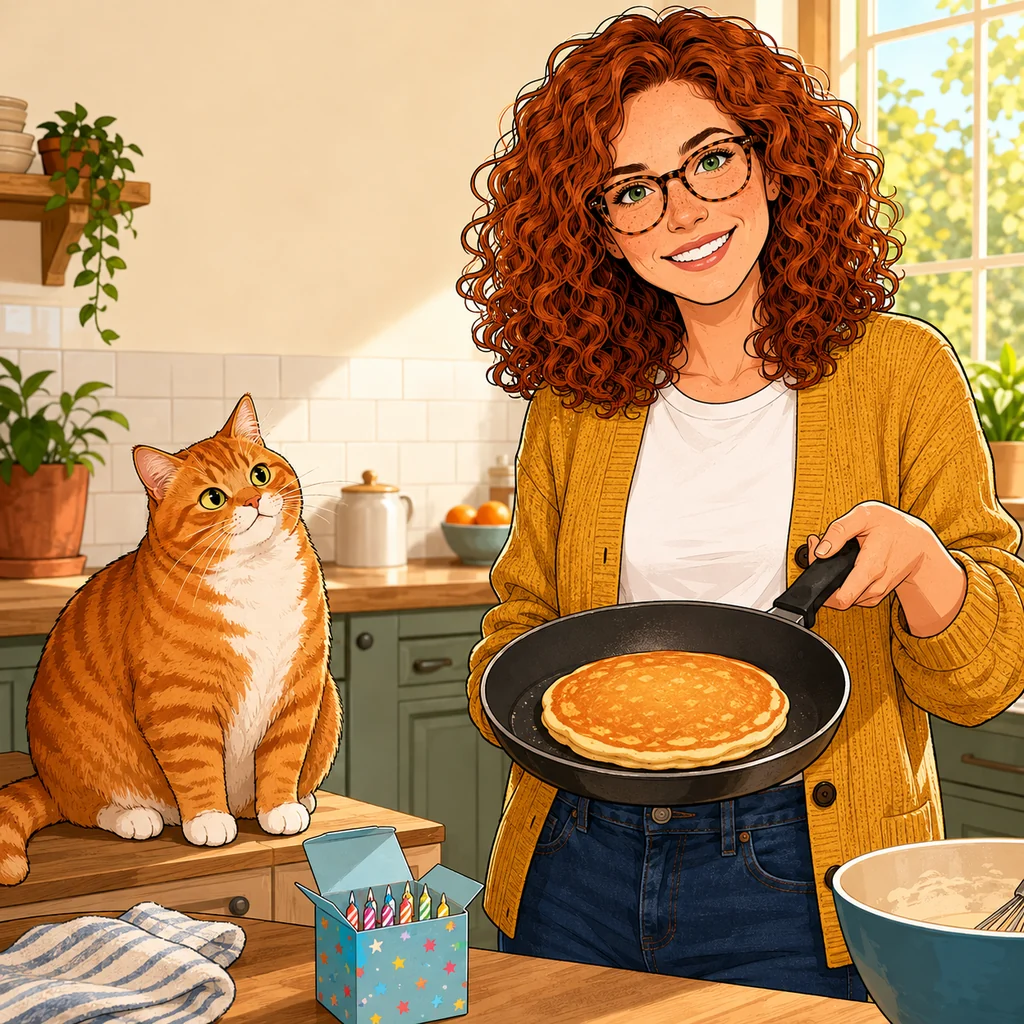
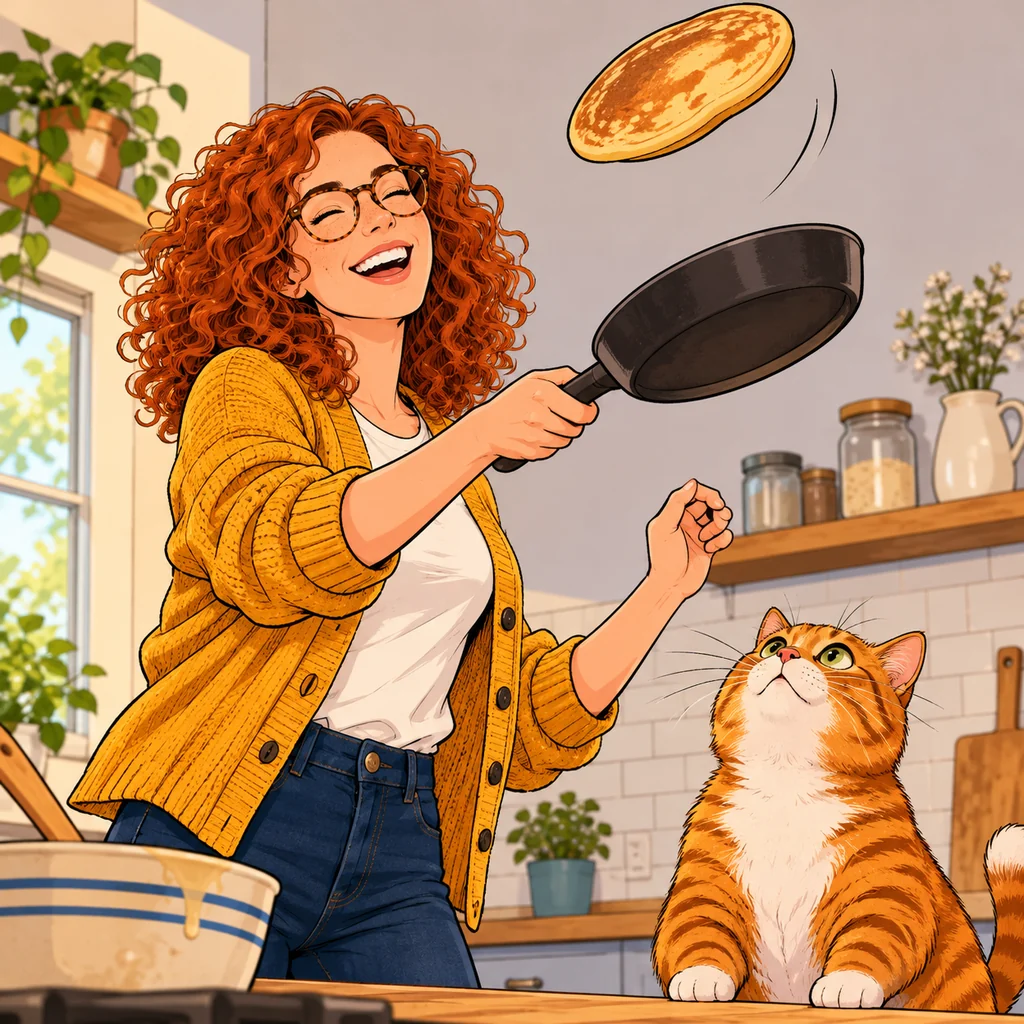
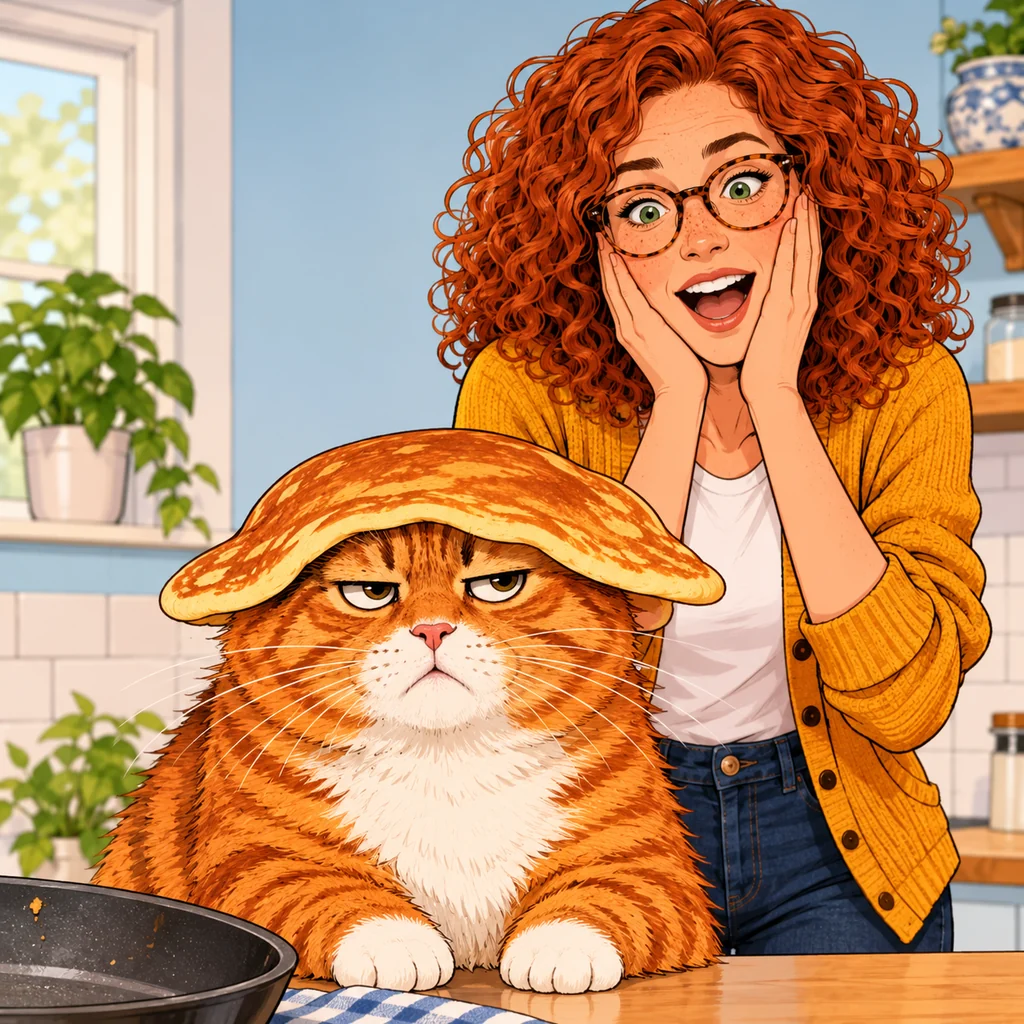
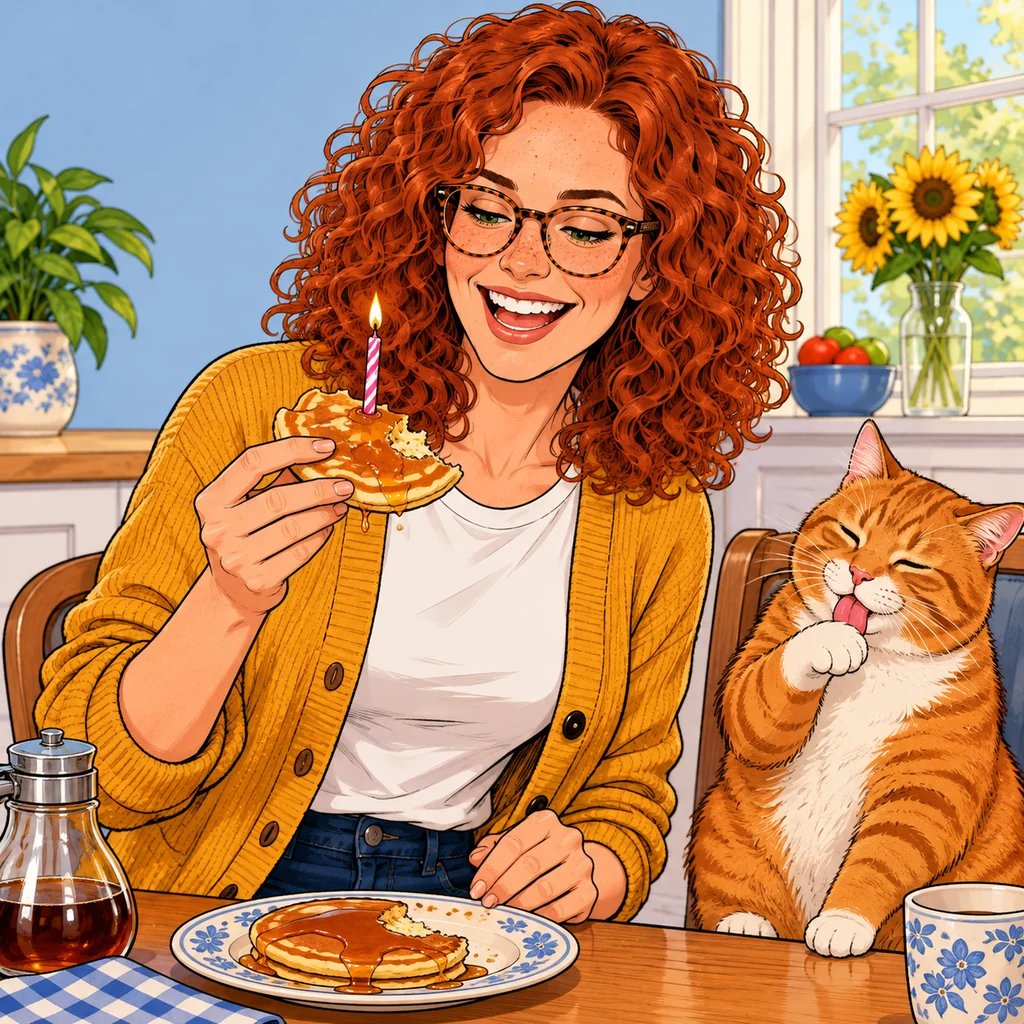
- 2D and 3D cartoon styles
- Bubbles are real text
- Redraw one panel, not all four
Cartoon styles
One cartoon, four looks: 2D, 3D and storybook
Pick the look before you draw. This cartoon image generator can draw the same character as a classic hand drawn cartoon, a 3D animated film still or a soft picture book page, and every panel follows the style you chose.
One scene, four styles: Nora flips a pancake while Biscuit the cat watches
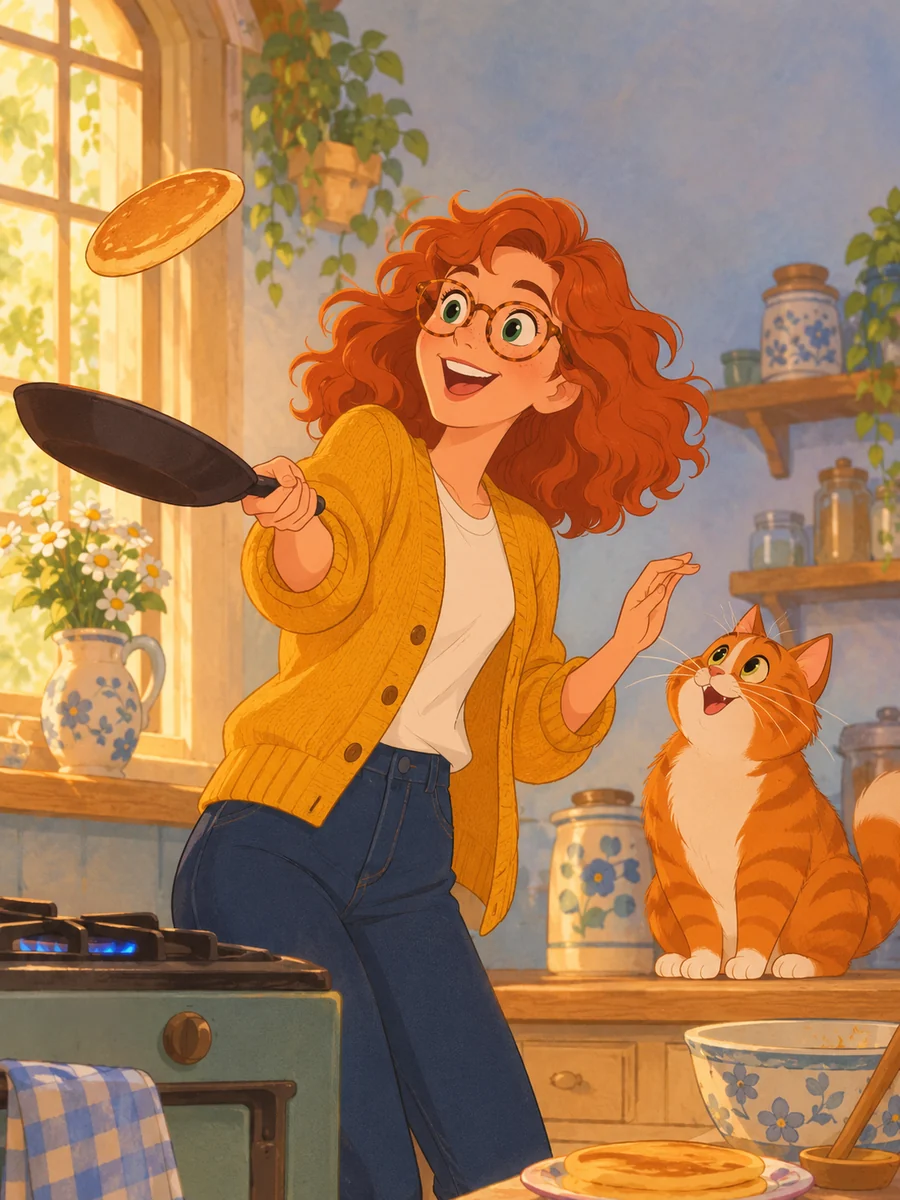 2D
Classic 2D animation
Smooth hand drawn lines, big expressive eyes and warm painted backgrounds, like a feature cartoon.
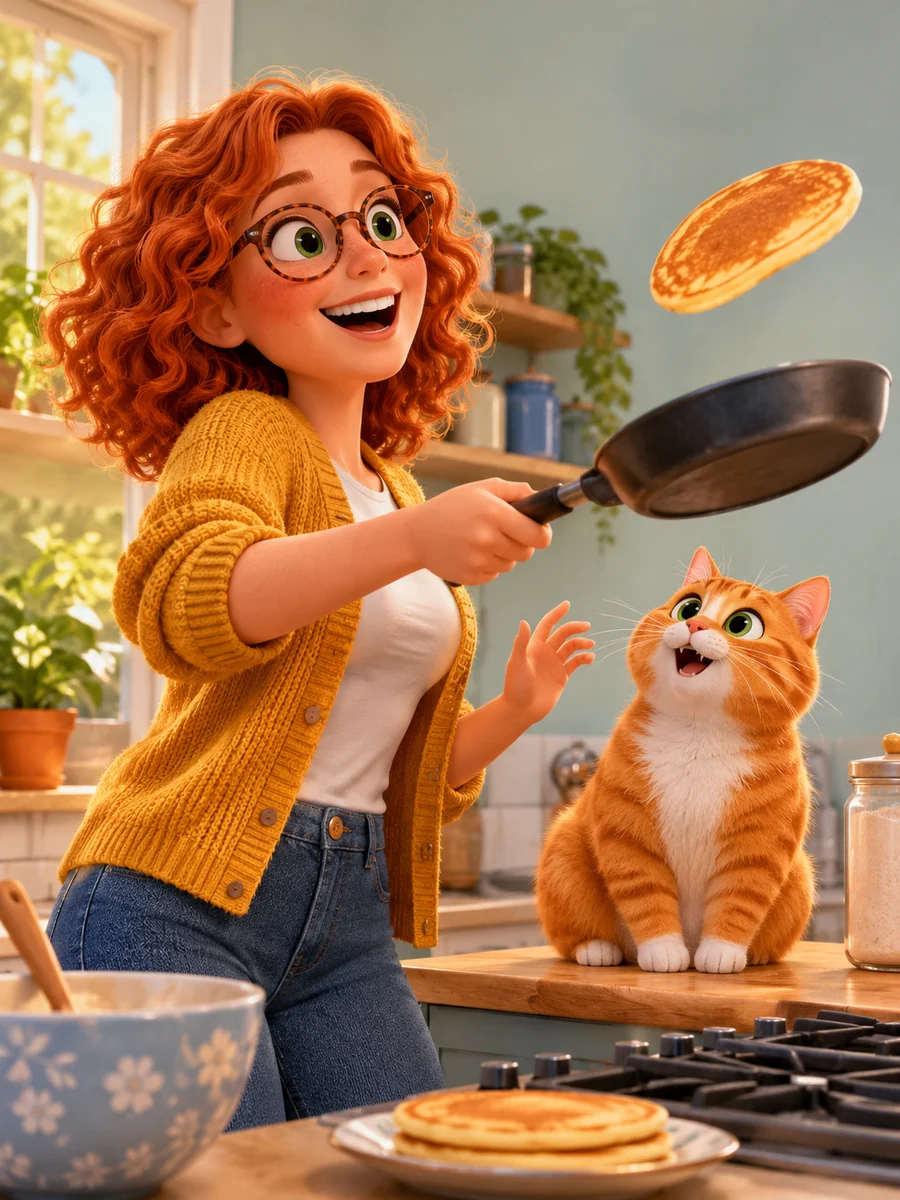 3D
3D animated film
Soft lighting, rounded shapes and rich textures. The 3D cartoon look of a family movie.
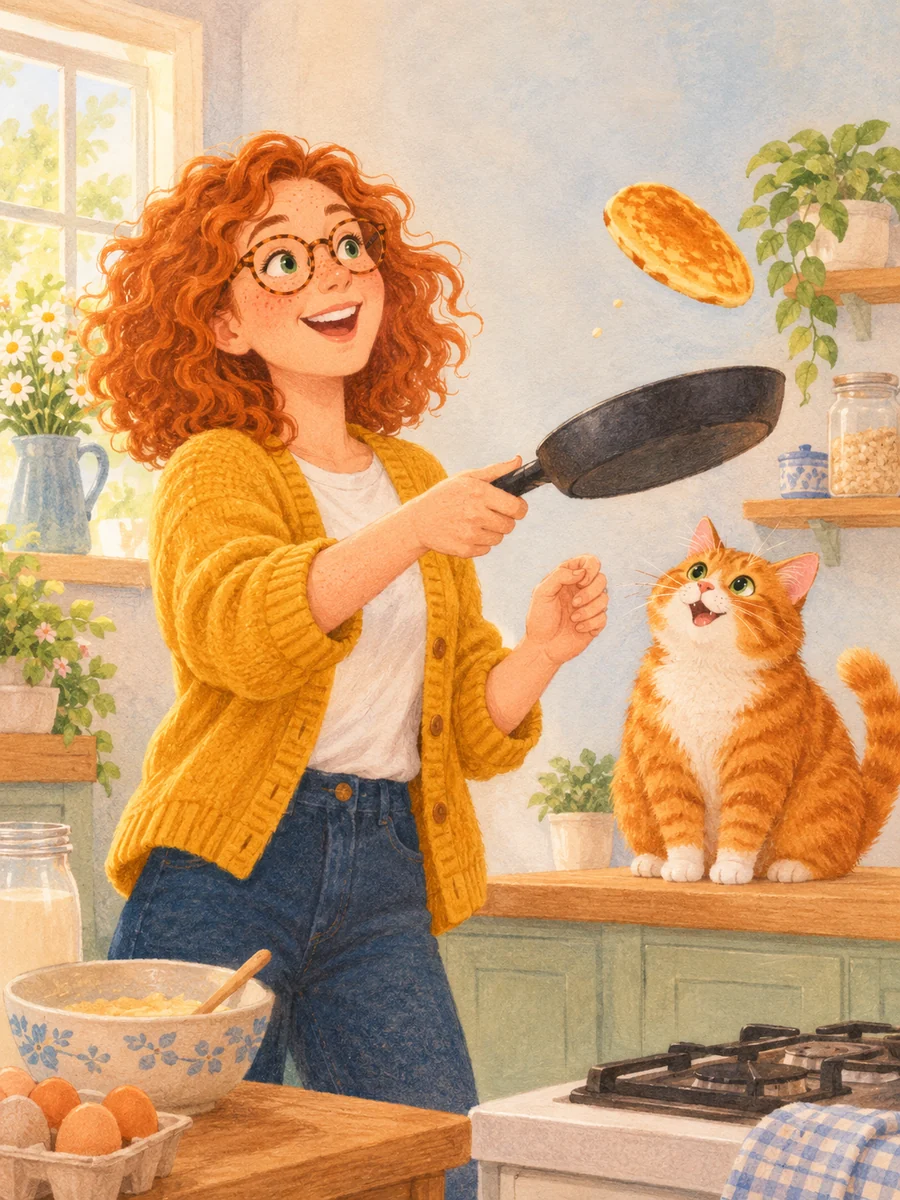 2D
Kids storybook
Gentle colors and soft textures for picture books and bedtime stories.
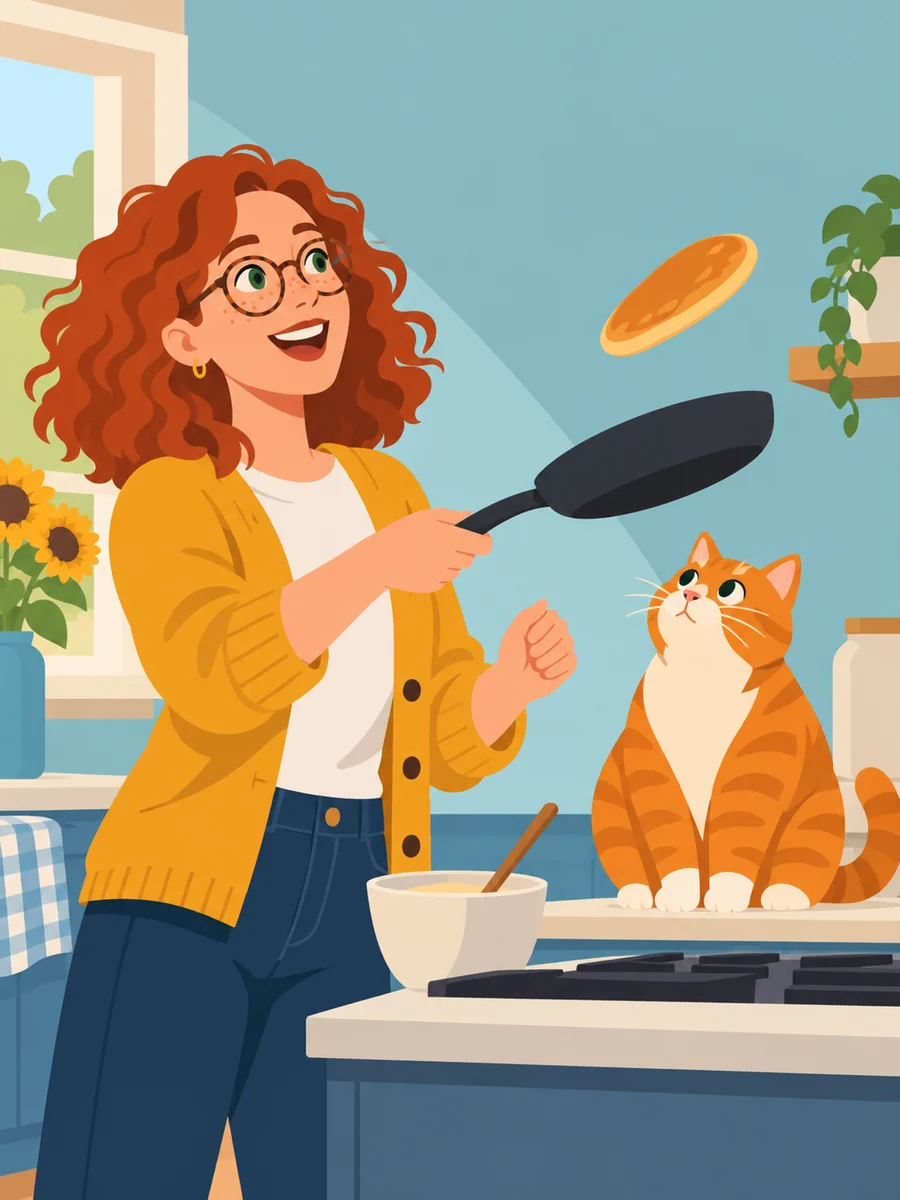 2D
Flat vector
Clean shapes and flat color. Good for social posts, explainers and stickers.
The style is part of each image the AI draws. A 3D style gives you a still picture that looks rendered, not a 3D model you can rotate. The plain cartoon style used in the strip above and 19 more styles are in the editor.
Starting from a photo
Have a photo? Turn it into a cartoon character first
Upload a photo of yourself, a friend or a pet as a reference. The AI draws a cartoon character sheet from it, keeping the hair, face shape, glasses and outfit, and then uses that sheet in every panel of your cartoon.
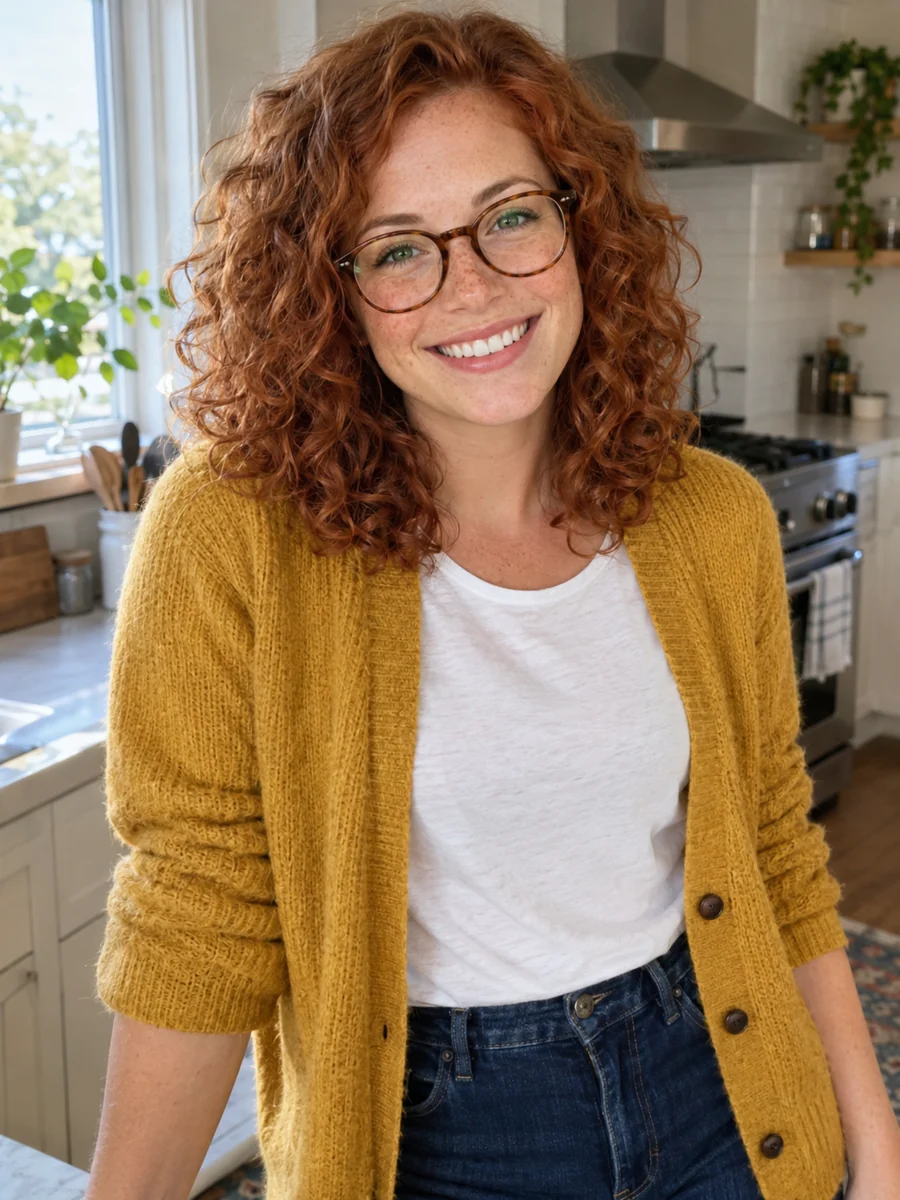 1Your referenceUpload a photoAdd up to 6 reference images to a character in your library. Front facing photos in good light work best.
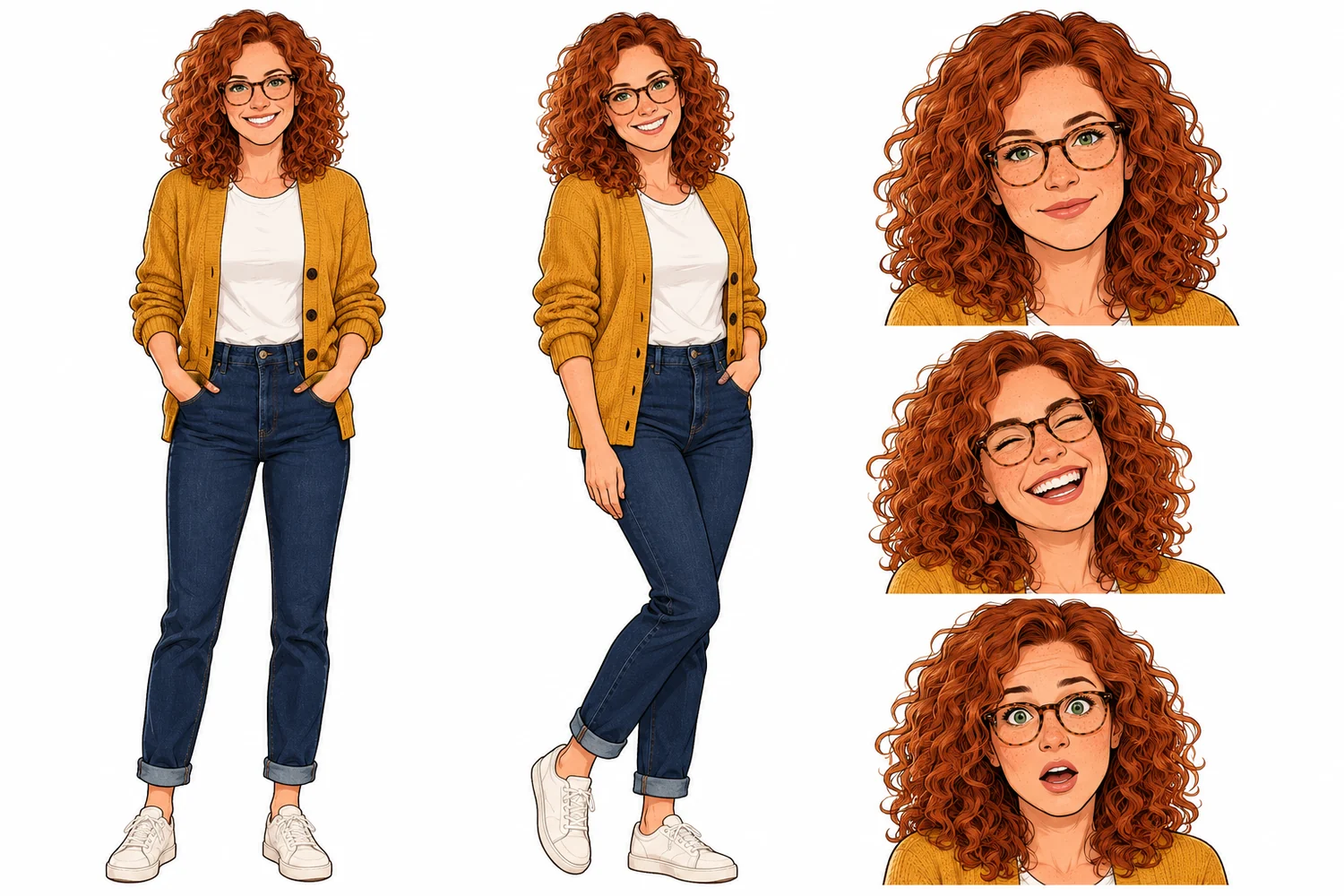 2Character sheetGet a cartoon character sheetFront view, three quarter view and three expressions, drawn in the cartoon style you pick. Redraw it until it feels right.
- Birthday pancakes. Perfect ones this year.3In your storyPut the character in any sceneThe sheet goes with every panel you draw, so the cartoon version of you keeps the same look from scene to scene.
This is not a one click photo filter. You get a new cartoon drawing of the person, made to act in a story, and the likeness is close rather than exact. Only upload photos you have the right to use.
Real lettering
The words in your cartoon are real text
AI image tools often paint text into the picture, and you get misspelled, melted letters. Here the cartoon panels are drawn with no text at all. Speech bubbles, captions and sound effects sit on their own layer, so every word is spelled the way you typed it.
5 bubble types
Speech, thought, shout, caption and sound effect.
Fix a word in seconds
Double click any bubble to change the words. The art stays exactly as it is.
5 lettering fonts
From hand drawn cartoon lettering to bold display type, in any color.
How to make AI cartoons in four steps
No drawing and no prompt tricks. Here is how this AI cartoon maker turns one sentence into a finished cartoon:
Nora tries to make perfect birthday pancakes while her cat watches
01Type the scene
A sentence or two is enough. Choose 1 to 4 panels and a cartoon style. Want one cartoon image? Pick 1 panel.
Birthday Pancakes
cast Nora, Biscuit
panel 3 Medium close up. The pancake lands flat on Biscuit's head like a hat. Nora gasps behind him.
Nora: Biscuit, no!
02Get the script free
The AI writes every panel: the action, the camera shot, dialogue and captions. Edit it before a single credit is spent.
- 03
Draw the panels
Panels cost 2 to 6 credits each, depending on quality. Your character sheet goes with each one so faces stay the same.
- Biscuit, no!04
Bubble and export
Drag the bubbles into place, pick a lettering font, then download PNG or PDF.
AI cartoon generator FAQ
Your first cartoon starts with one sentence
Type the scene, pick a cartoon style and draw. The script is free, and every panel and bubble stays yours to change.
Make my cartoon