
Text to comic, no drawing needed
AI Comic Generator: From One Idea to a Finished Comic
Type one sentence or paste a story outline. It writes the script, draws every panel in your style and adds speech bubbles you can still edit.
Light My Fire
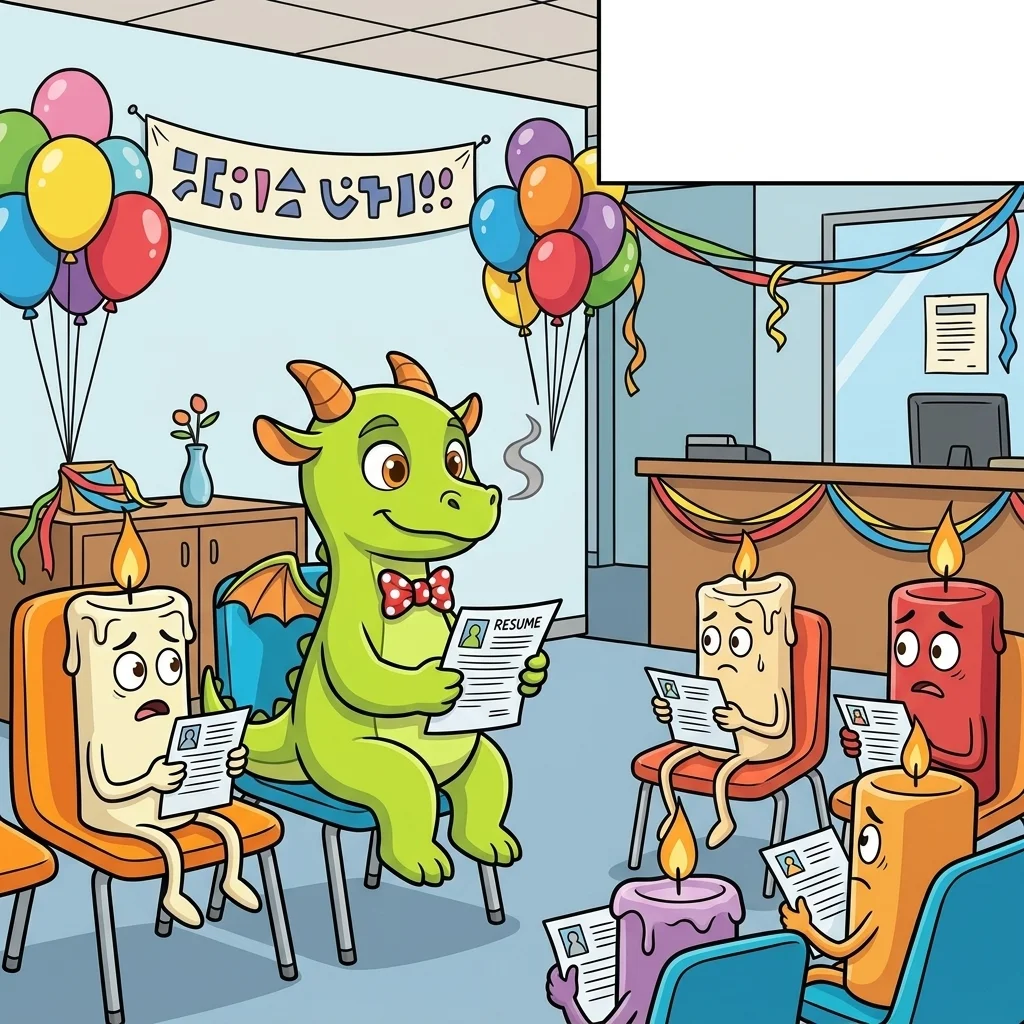
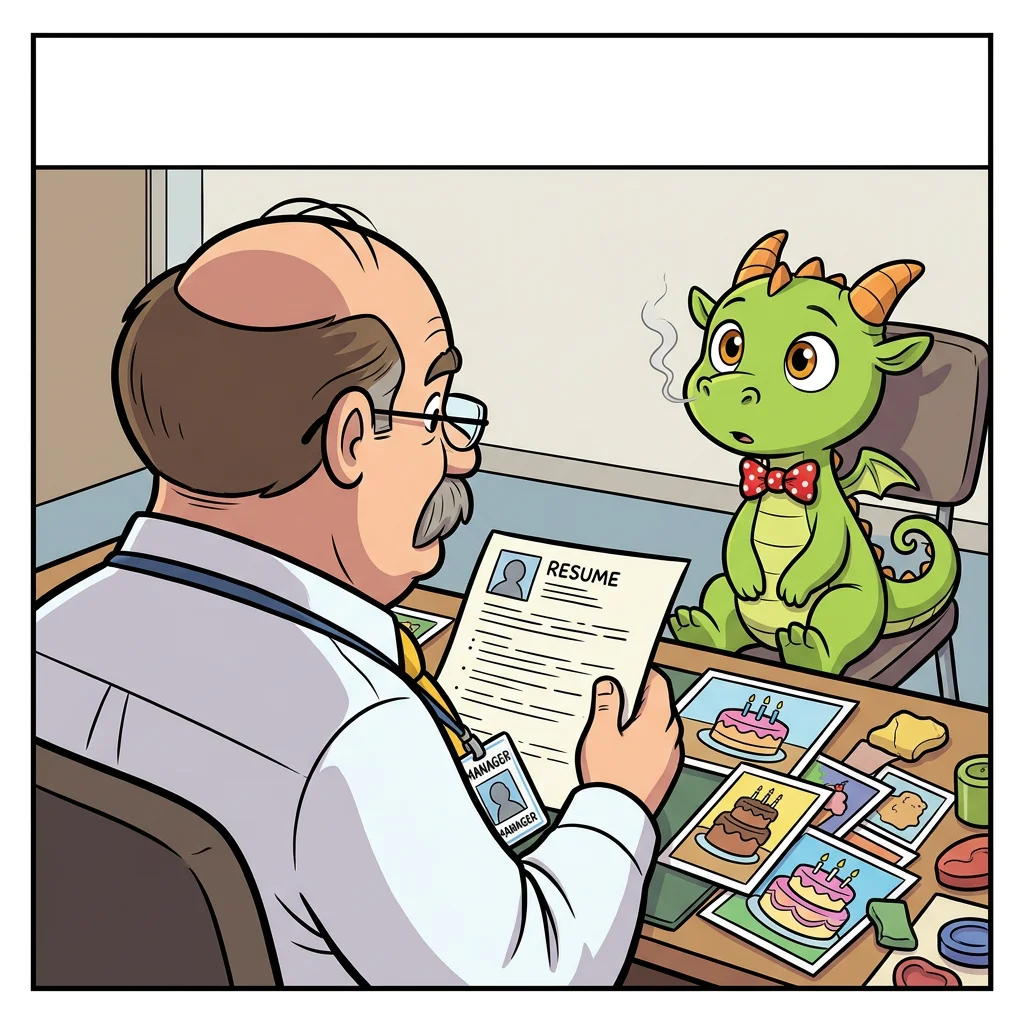

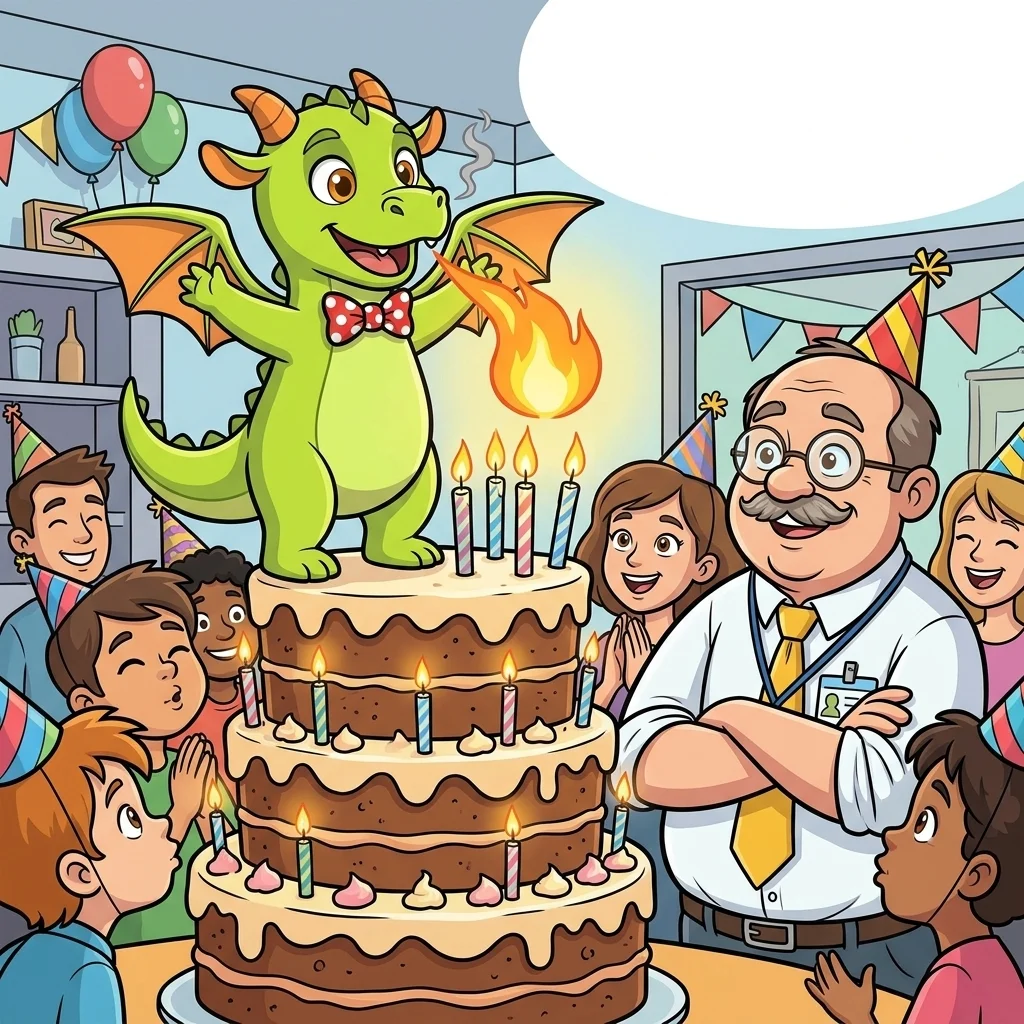
1
- No drawing needed
- Free scripts, up to 10 a day
- Redraw one panel, not the whole page
How the AI comic generator works
From text to comic in four steps, and you can step in at each one.
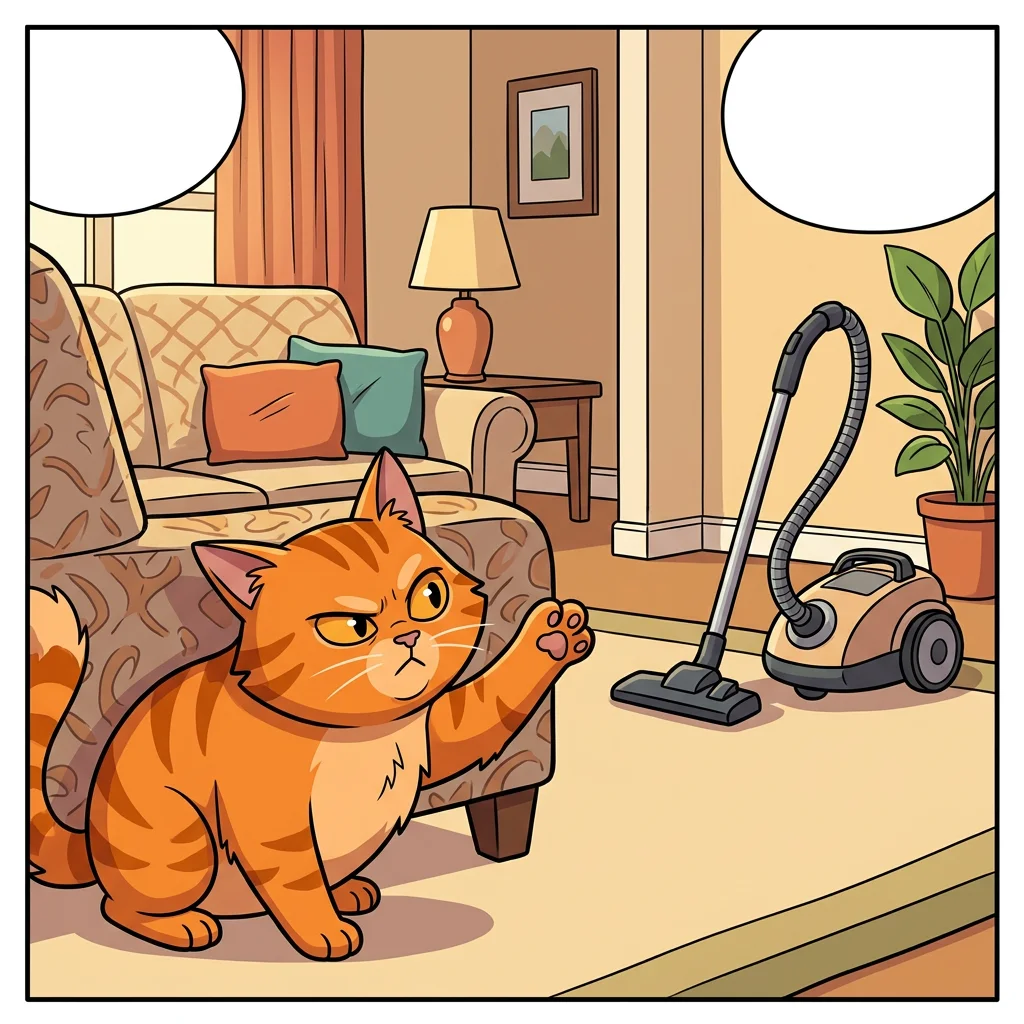
A cat who is convinced the vacuum cleaner is plotting against him
01Type your idea
One sentence is enough. Paste an outline of up to 1500 characters if you already have a story.
The Conspiracy
cast Whiskers, Dana
panel 1 Living room, daytime. Whiskers crouches low behind the sofa corner, peering around the edge with wide suspicious amber eyes. Across the room the vacuum cleaner sits silently against the wall. Whiskers stares at it with an intense, conspiratorial expression, one paw raised dramatically. Warm afternoon light fills the tidy living room.
Whiskers: I know what you are. I know what you want.
02Check the script
See each panel's action, camera shot and dialogue before you spend a credit. Scripts are free.
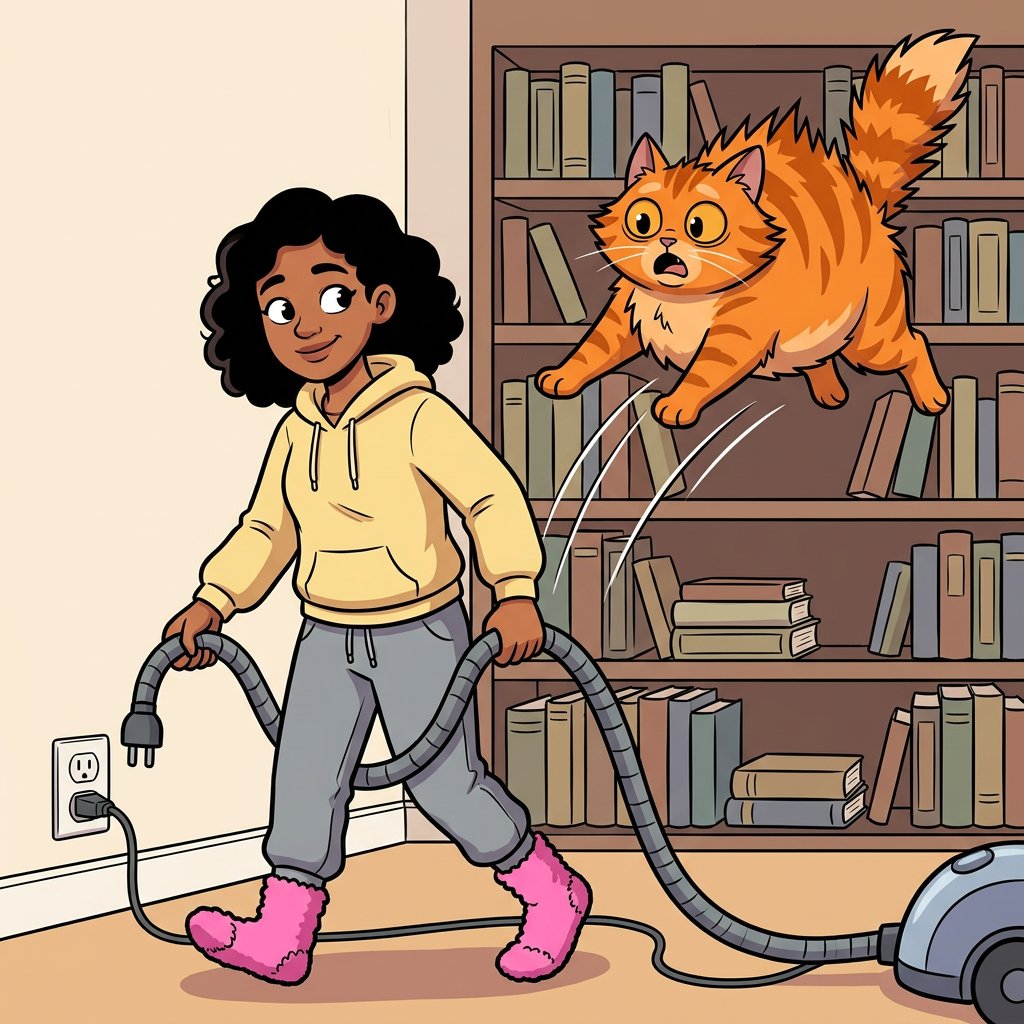 03
Draw the panels
Pick a quality level and draw. Character sheets help keep your cast recognizable.
- Just a quick clean-up, buddy!IT BEGINS!04
Edit and export
Move speech bubbles, redraw any single panel, then export your comic.
Honest about the hard parts
Four problems with AI comics, and what we do about them
Reviews of AI comic tools keep naming the same complaints. Here is how each one is handled.
Garbled words
The problem
Text drawn inside an image comes out misspelled, and fixing one typo can mean drawing the page again.
What we do
Panels are drawn without any text. Dialogue and captions sit on a separate layer as real text you can edit.
Faces that change
The problem
A character can look like someone else from one panel to the next.
What we do
Each character gets a reference sheet that goes in with the panels. This reduces drift, though a close look can still catch small differences.
One fix, full redo
The problem
Many tools only regenerate whole pages, so a single bad panel costs you the good ones too.
What we do
Redraw only that panel and switch between its last 12 versions. Rewriting a panel's script with AI is free.
Messy layouts
The problem
Asking for a whole page in one prompt often gives you panels in the wrong shape and order.
What we do
Pick from 15 layout templates before you draw, and switch to another layout in the same format later.
For writers and series
Comic Creator for Writers and Series
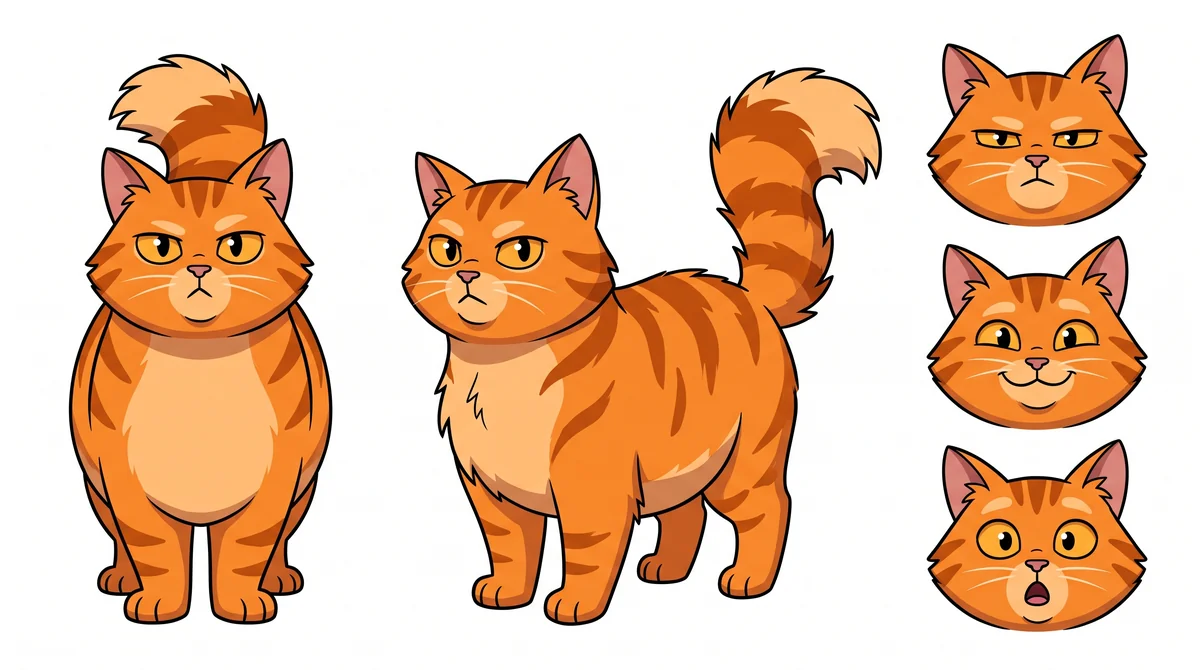
A comic creator should remember your world. Build your characters, locations and props once, then bring them into your next comic.
You direct every panel
- Edit what happens in the panel, up to 600 characters
- Choose from 10 camera shots
- Write up to 3 lines of dialogue per panel
Characters
Describe them and upload reference images. Each one gets a sheet with front view, three quarter view and three expressions.
Up to 6 reference images per character
Locations
Keep the kitchen, the castle or the spaceship looking like the same place each time you return to it.
1 location per panel
Props
Give the sword, the car or the lucky hat its own reference so it stays recognizable.
Up to 4 props per panel
Reference sheets for characters, locations and props cost twice the panel price of the quality you pick.
For short gags and social posts
Comic Strip Creator: Script, Panels and Speech Bubbles
Use it as a comic strip creator when one short joke is the whole story. Read the script, change any line, then draw. Six layouts are ready, from a single panel to six.
Single panel
2400 × 2400 PNGOne gag, one image.
2 panels
3200 × 1600 PNGSetup and payoff.
3 panels
3600 × 1200 PNGThe classic newspaper beat.
4 panels in a row
4000 × 1000 PNGThe four beat strip.
4 panels, 2 × 2
2400 × 2400 PNGSquare, made for feeds.
6 panels, 3 × 2
3000 × 2000 PNGRoom for a longer bit.
Want the full tour of strip layouts and bubble editing? See the comic strip maker.
For longer stories
Comic Book Creator for Multi-Page Stories
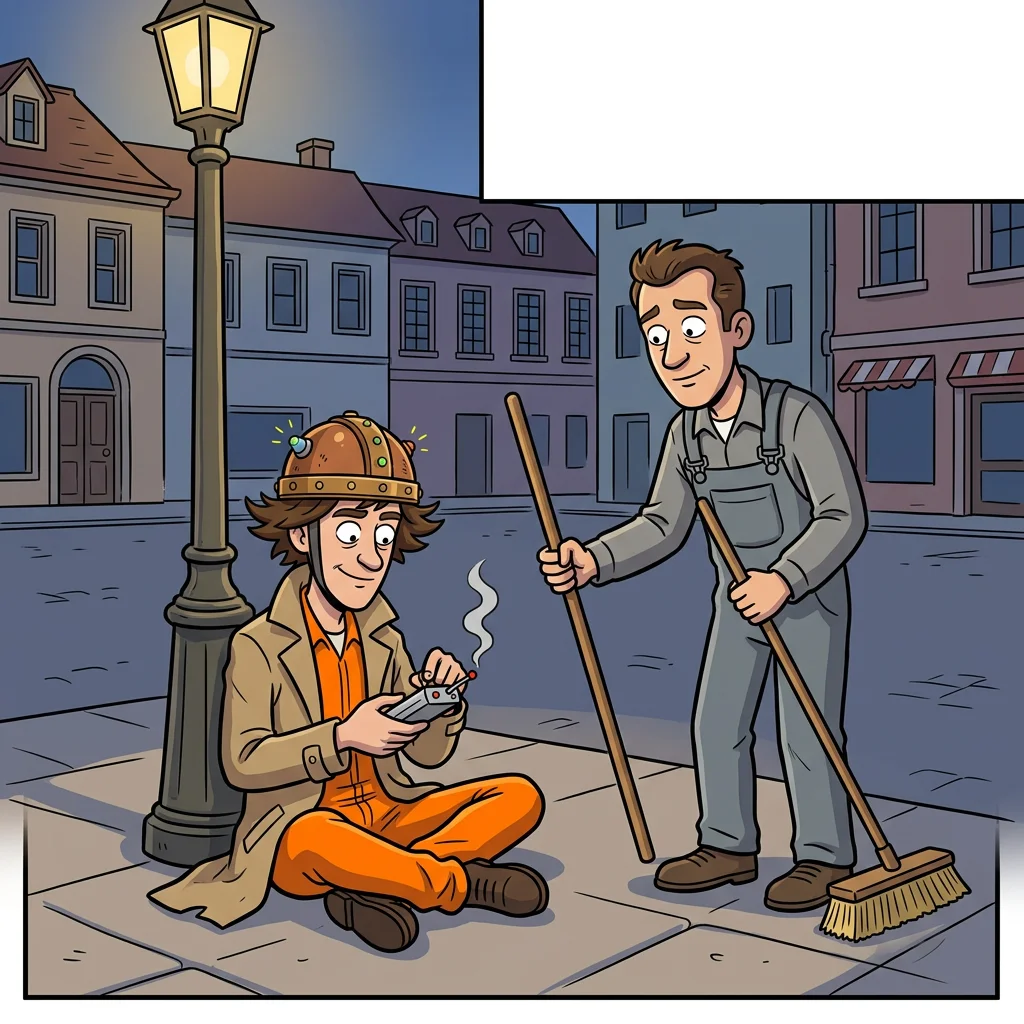
Use it as a comic book creator when the story needs room. One idea becomes planned pages with a cast and settings, up to 12 pages.
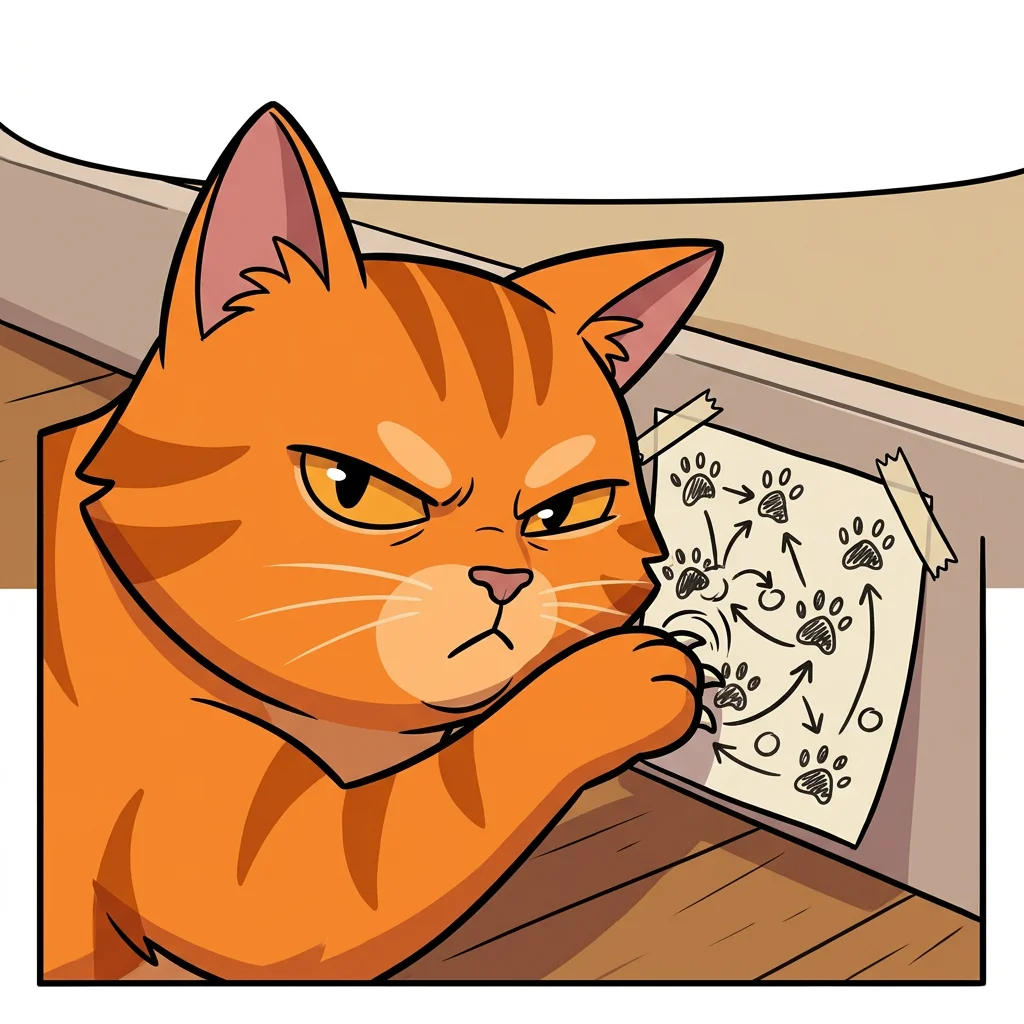
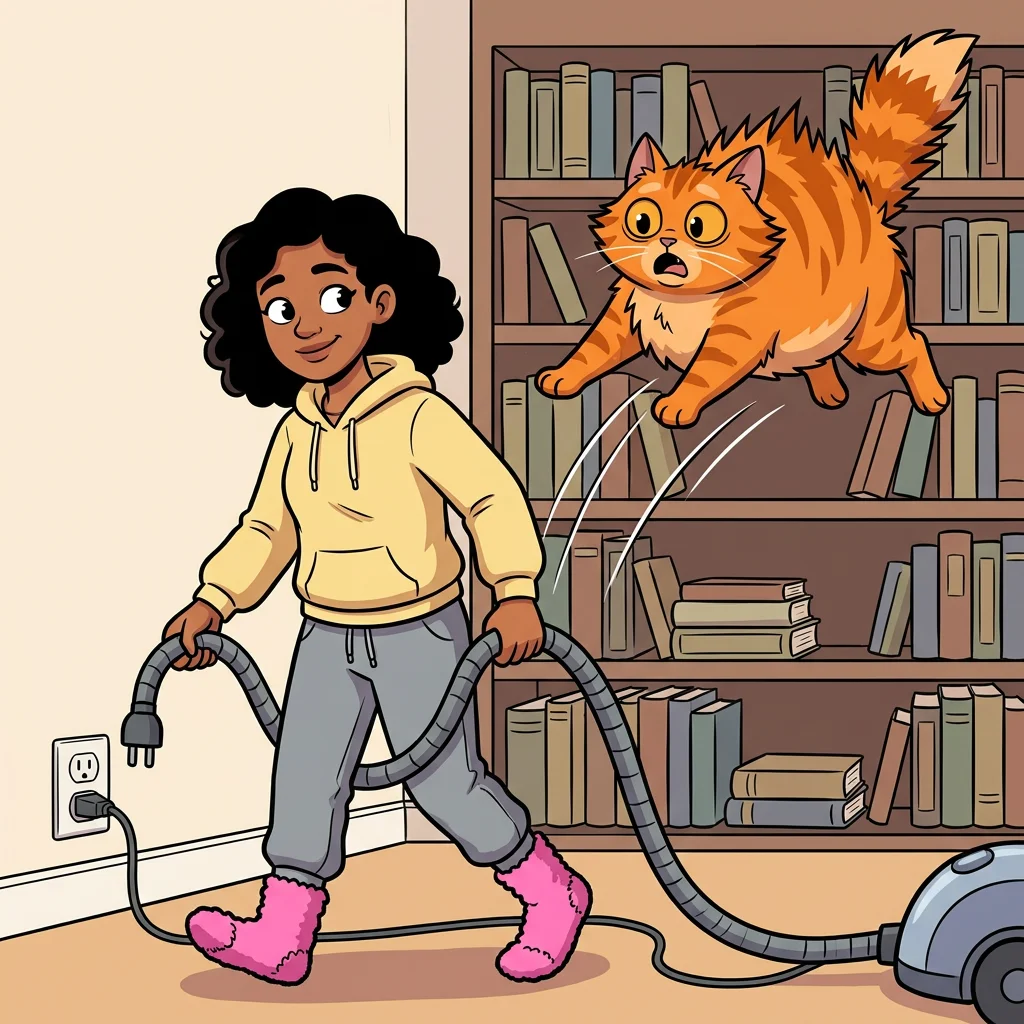
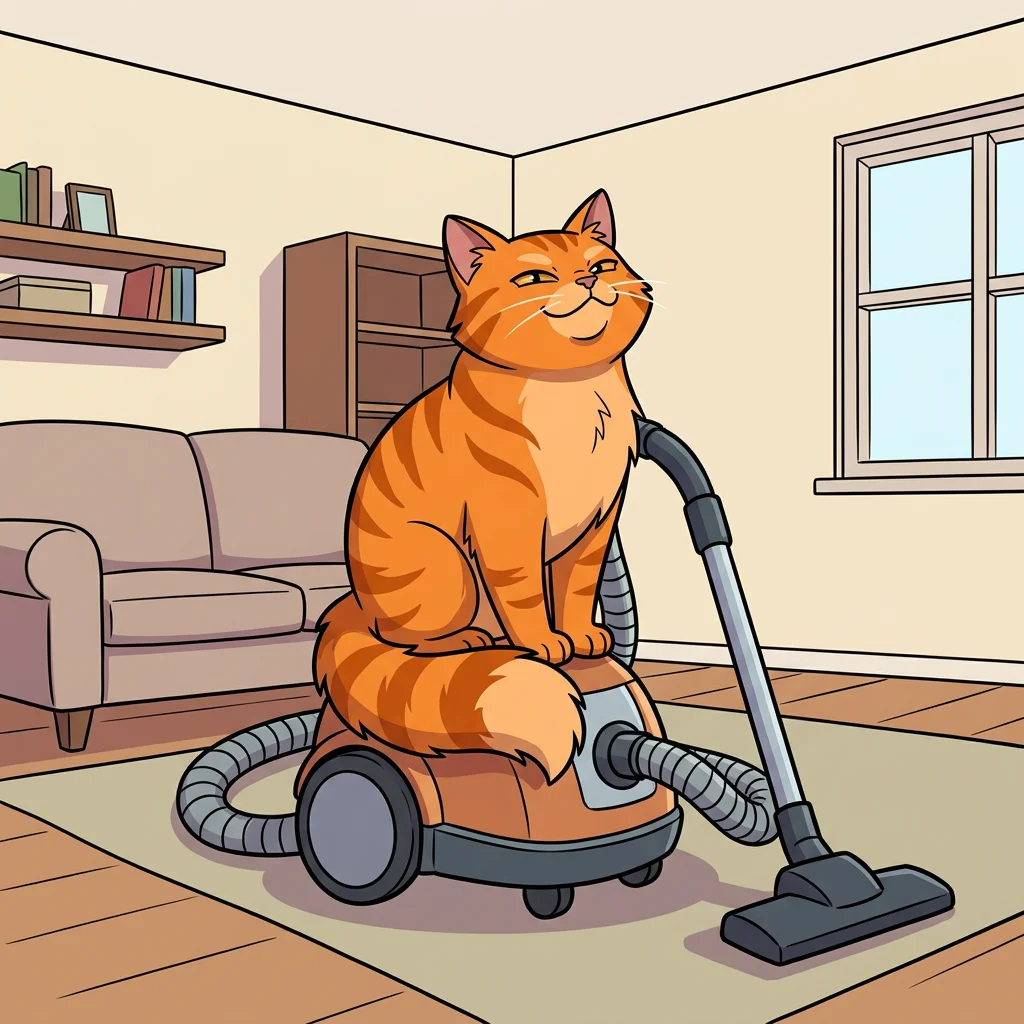
The Vacuum Plot
4
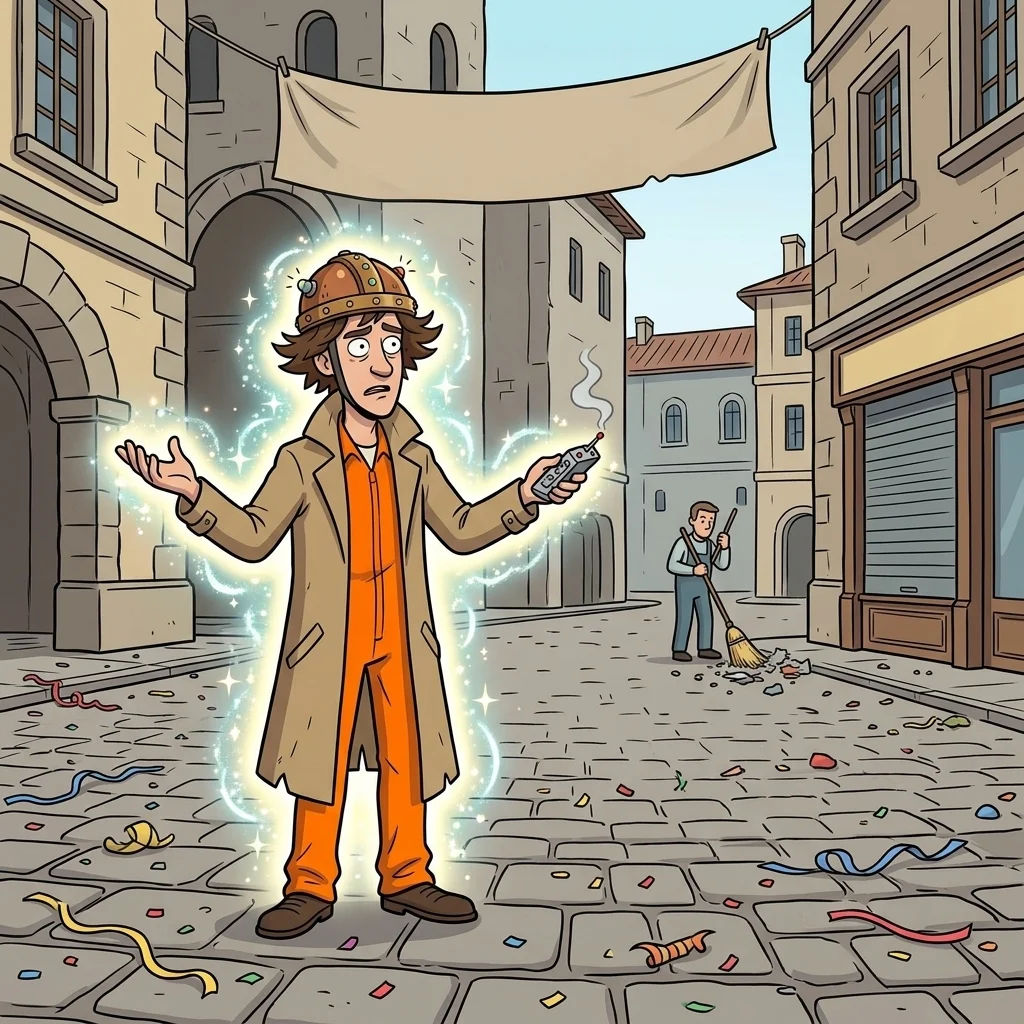
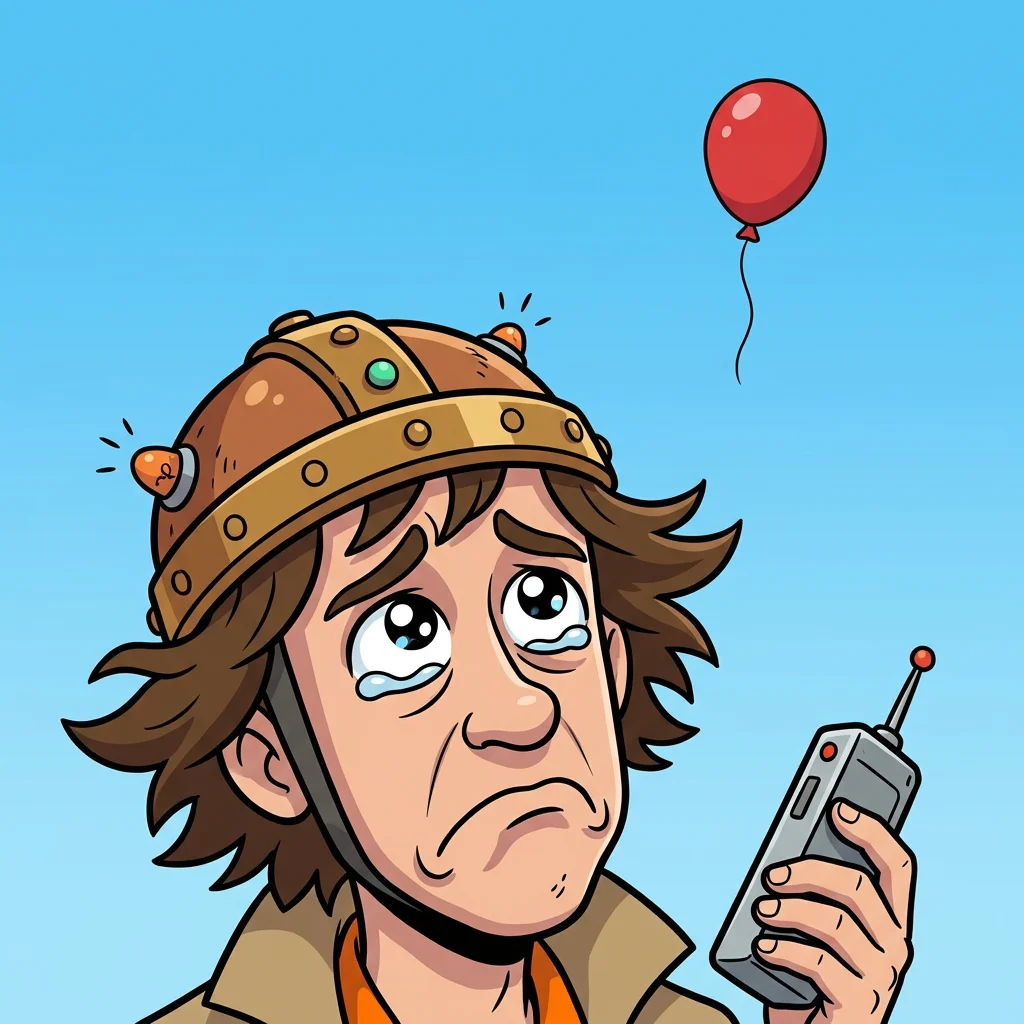
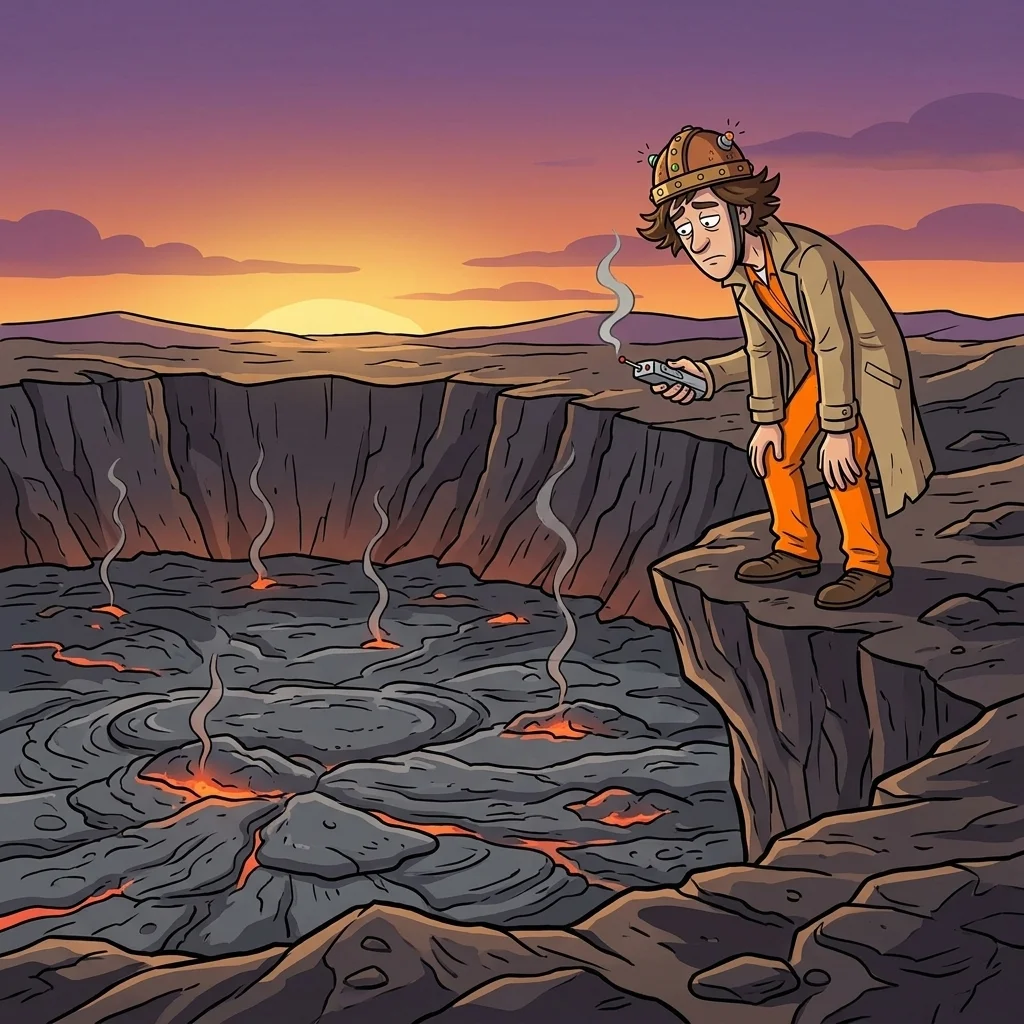
Five Minutes Late
5
- Up to 12 pages from one idea2 to 8 panels on each page, and up to 1500 characters to describe your story.
- The same cast and placesUp to 6 characters, 6 locations and 6 props per comic, each ready to reuse.
- Export when it is donePNG and single page PDF or CBZ on any plan. Multi-page PDF and CBZ need Creator or an annual Starter plan.
No surprise charges
See the price before you spend
Credits are spent per panel, and you choose the quality. Writing the script costs nothing.
Fast
2credits / panel
Quick and affordable.
4 panel page: 8 credits
Standard
Default3credits / panel
The best balance of consistency and cost.
4 panel page: 12 credits
Detail
5credits / panel
Sharper details and strong prompt following.
4 panel page: 20 credits
Pro
Starter and up6credits / panel
Our strongest character consistency and composition.
4 panel page: 24 credits
- If a panel fails to draw, the credits go back to you.
- Your 100 sign-up credits cover about 33 panels on Standard.
Choose an art style for your comic
25 art styles, from newspaper cartoon to manga. Tap one to start your comic in it.
 Start in this styleCartoon
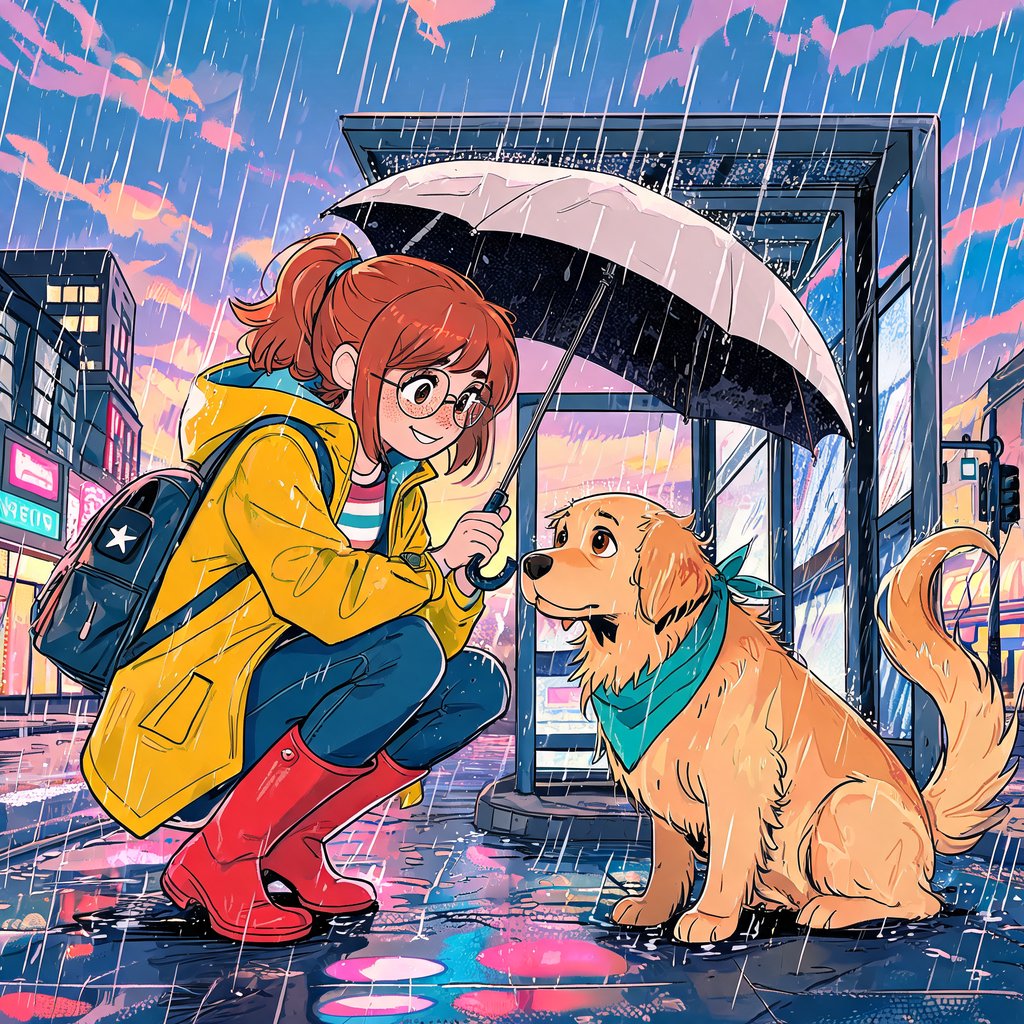 Start in this styleAmerican comic
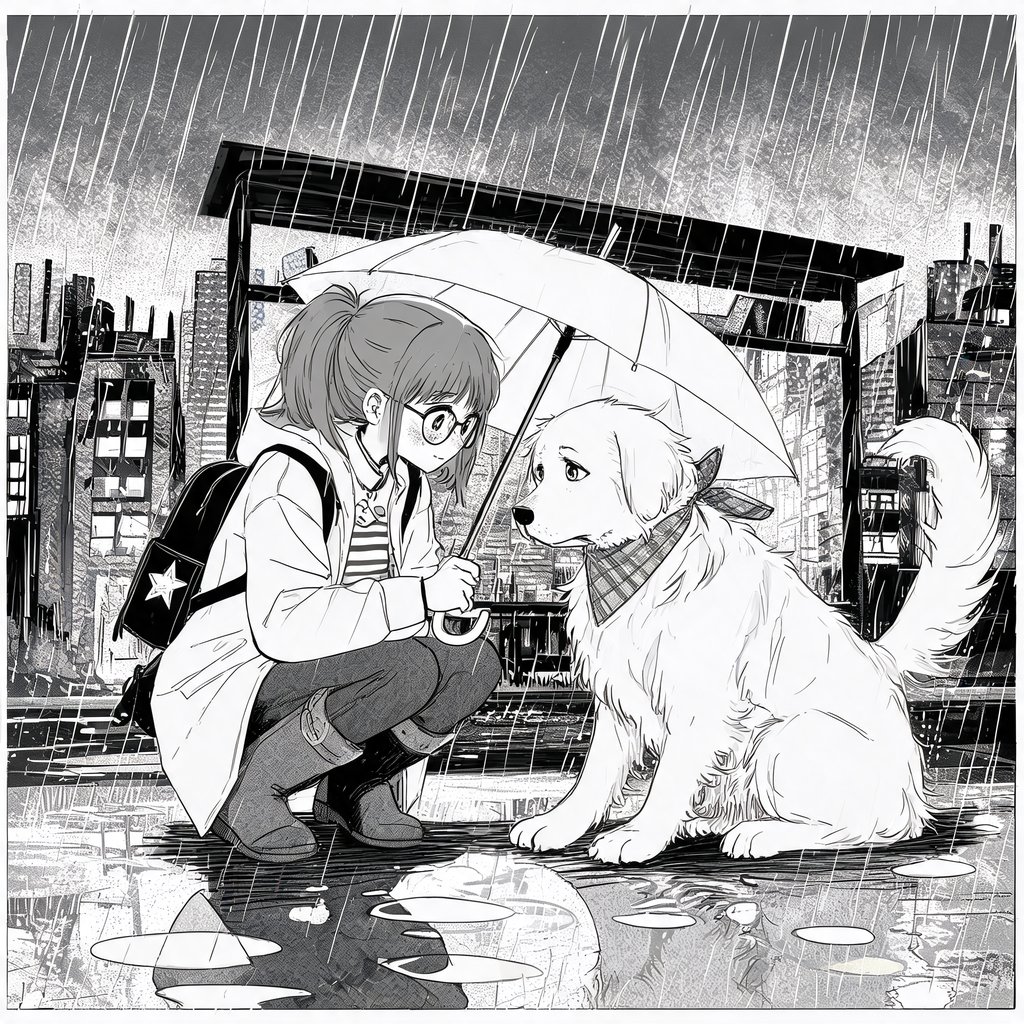 Start in this styleManga
 Start in this styleWebtoon
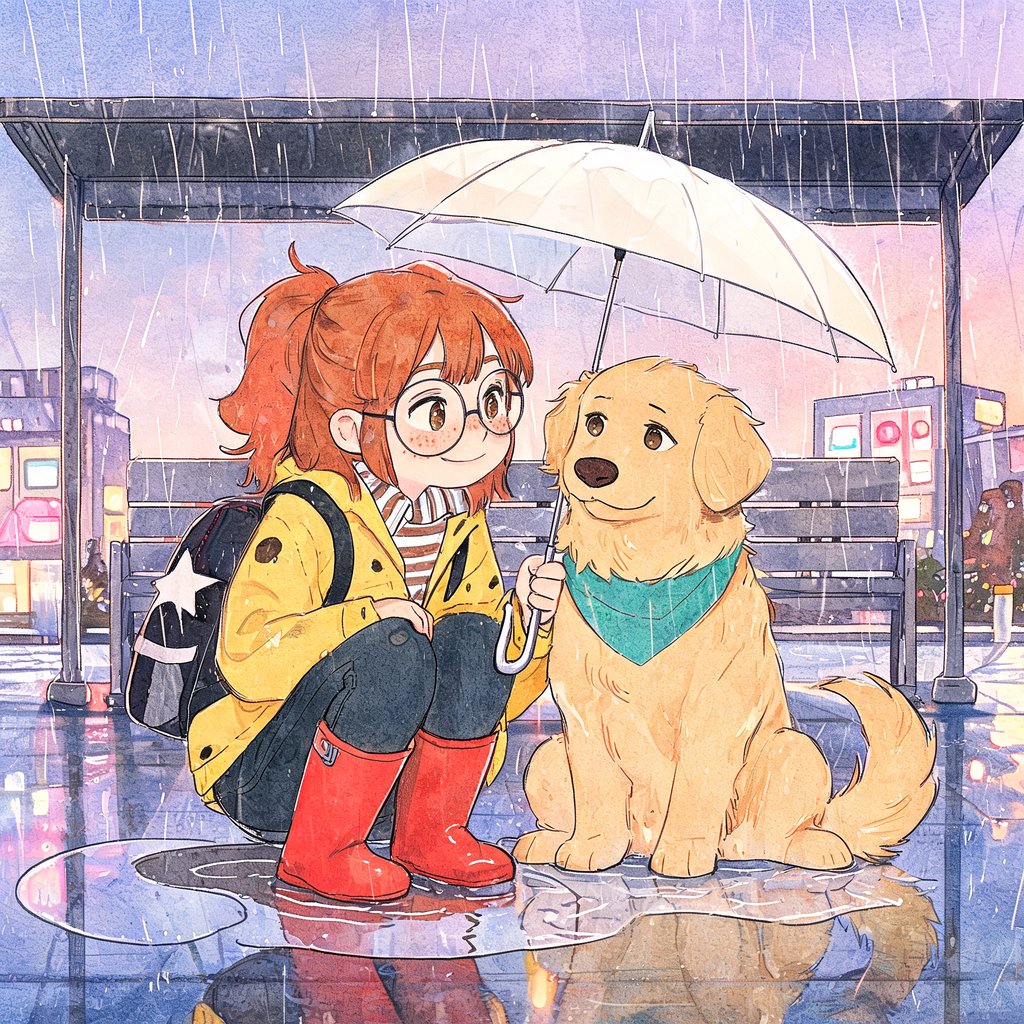 Start in this styleWatercolor
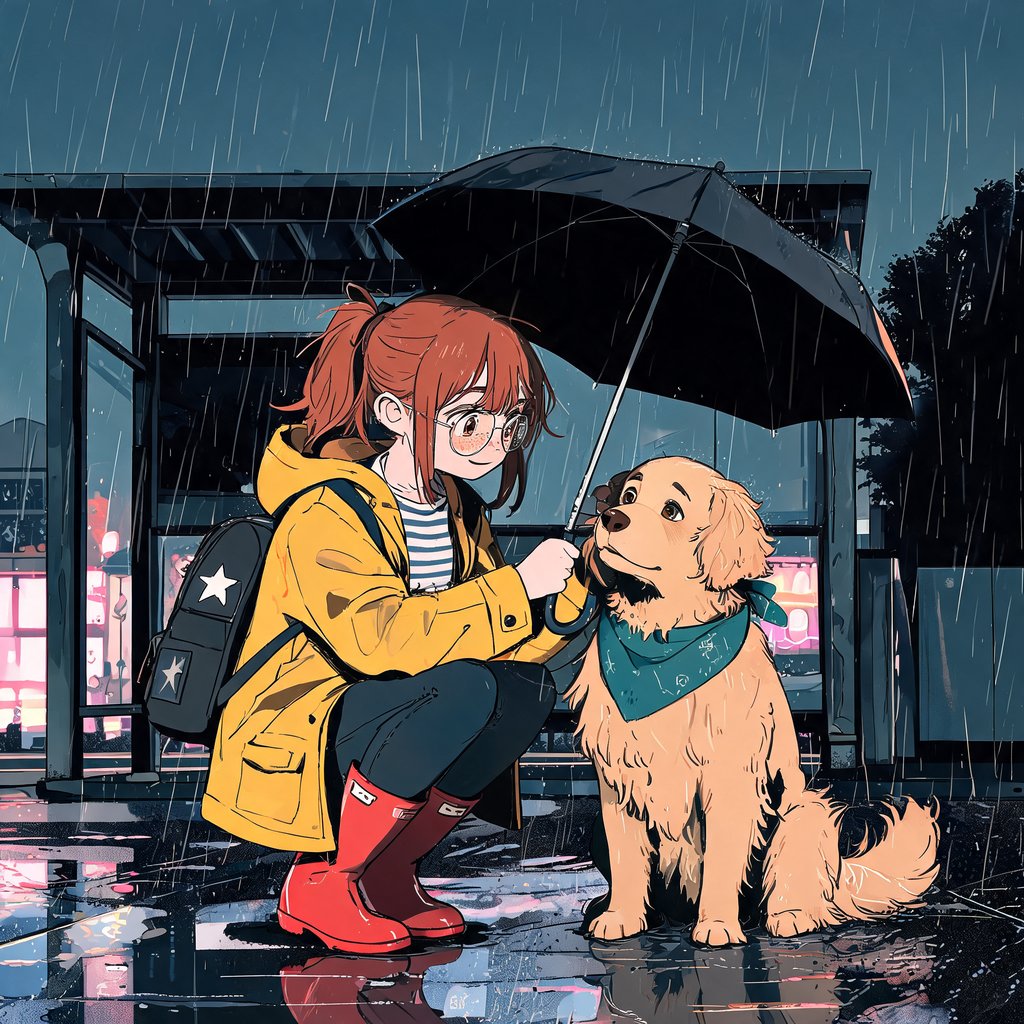 Start in this styleNoir
 Start in this styleChibi
 Start in this styleFlat vector
 Start in this styleKids storybook
 Start in this stylePixel art
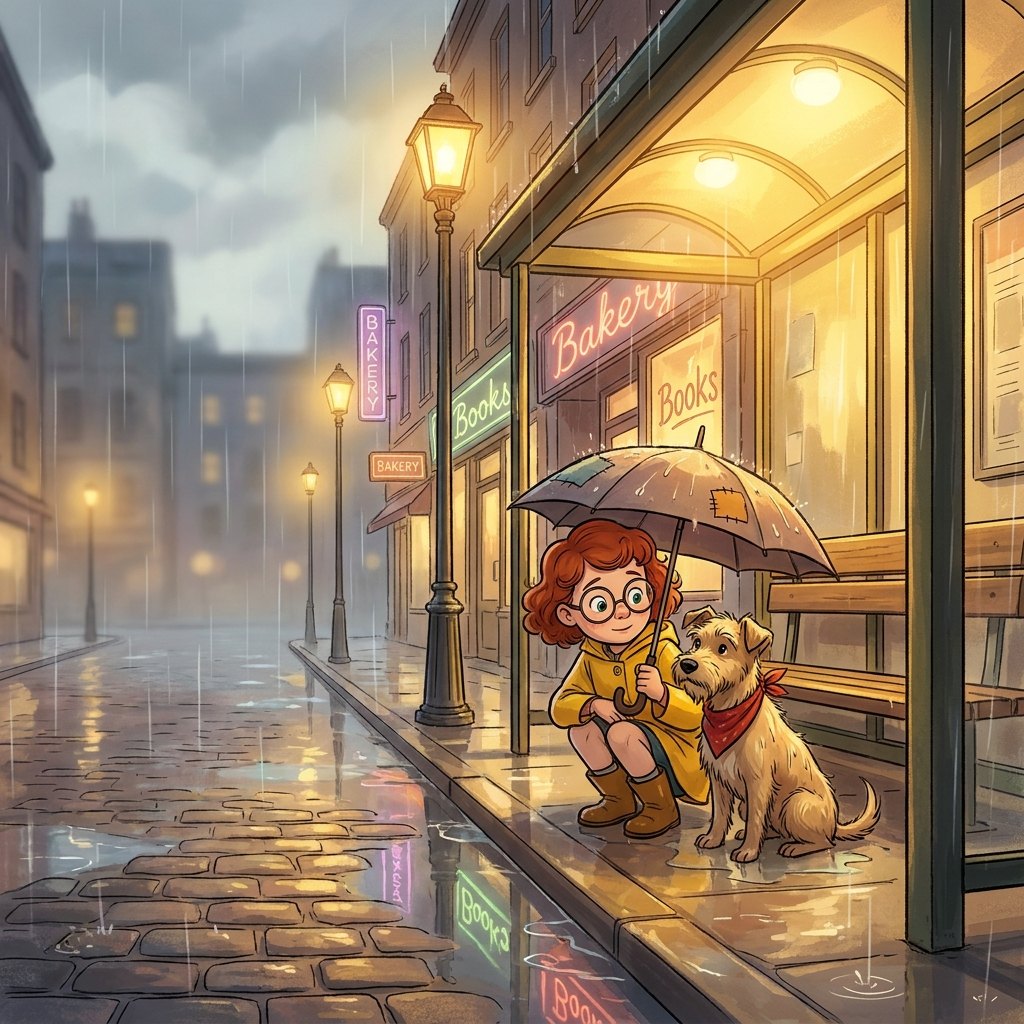 Start in this styleClassic animation
 Start in this style3D animation
AI comic generator FAQ
Your first comic starts with one idea
Type it in, pick a format and a style. The script is free, and your sign-up credits cover the first pages.
Generate my comic