
Free printable storyboard maker
Free Storyboard Templates to Print, Sketch or Draw with AI
Pick the frame shape of your video, 2 to 12 frames per page and lines for action, dialogue and camera notes, then download a printable storyboard template as a PDF or PNG. No sign up, no email, nothing uploaded.
16:9 widescreen · 6 frames · US Letter, Portrait
PNG saves the first page at 300 dpi.
- No sign up, nothing uploaded
- 16:9, 2.39, 4:3, 9:16 and square frames
- US Letter and A4
Every sheet is free to print, copy and share, for class, clients or films you sell.
Storyboard example
Storyboard example: what goes in each frame
This storyboard example shows six frames of a short scene, sketched in pencil on a printed sheet. Like most storyboard examples, the drawings are rough. What makes a storyboard useful is that every frame answers the same five questions.
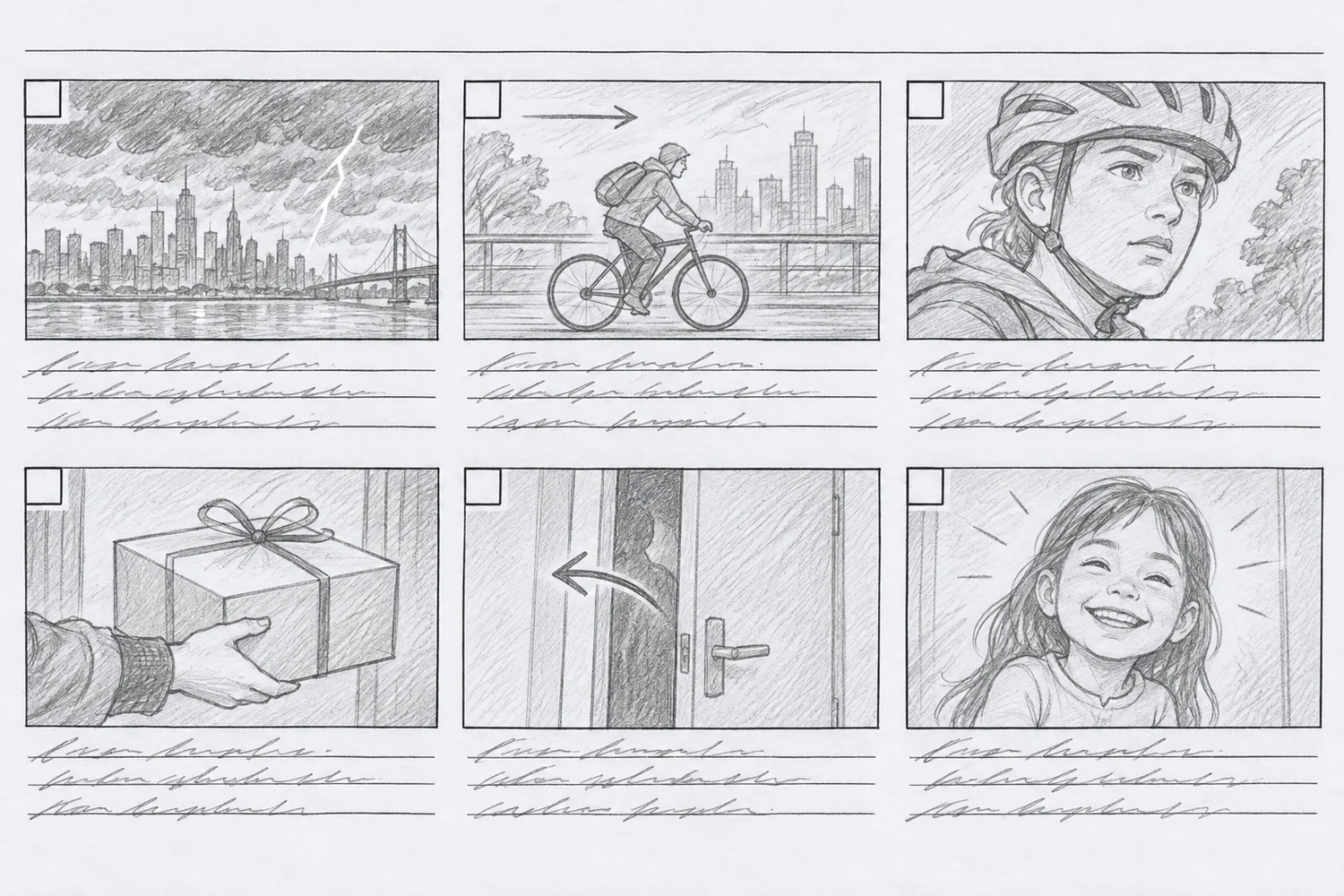
- 1
Shot number
Number every frame so the crew, the class or the client can point to it. Numbers carry on across pages.
- 2
Framing
Draw what the camera sees: wide, medium or close up. A face that fills the frame tells a different story from a tiny figure on a bridge.
- 3
Camera move
An arrow inside the frame shows a pan, a tilt or a subject moving through the shot.
- 4
Action
One short line on what happens in the shot, written under the frame.
- 5
Dialogue and sound
What is said, plus music or sound effects, so the timing of the shot makes sense.
Turn on labeled lines in the maker above and the sheet prompts you for action, dialogue, camera and notes.
16:9, 9:16 and more
Pick the frame shape your video uses
Draw in the same shape as the finished video and nothing has to be reframed later. Click a shape to load it into the maker above.
Storyboard creator for people who cannot draw
Can't draw? Turn your idea into storyboard frames
A blank storyboard is only useful if you can fill it. When drawing is the hard part, write the scene in a sentence and the same frames come back drawn, in widescreen or vertical.

From one sentence to a shot list
Describe the scene and get a frame by frame script: what we see, the camera angle and the dialogue for each shot. Writing the script is free, up to 10 times a day on the free plan.
Write my shot list
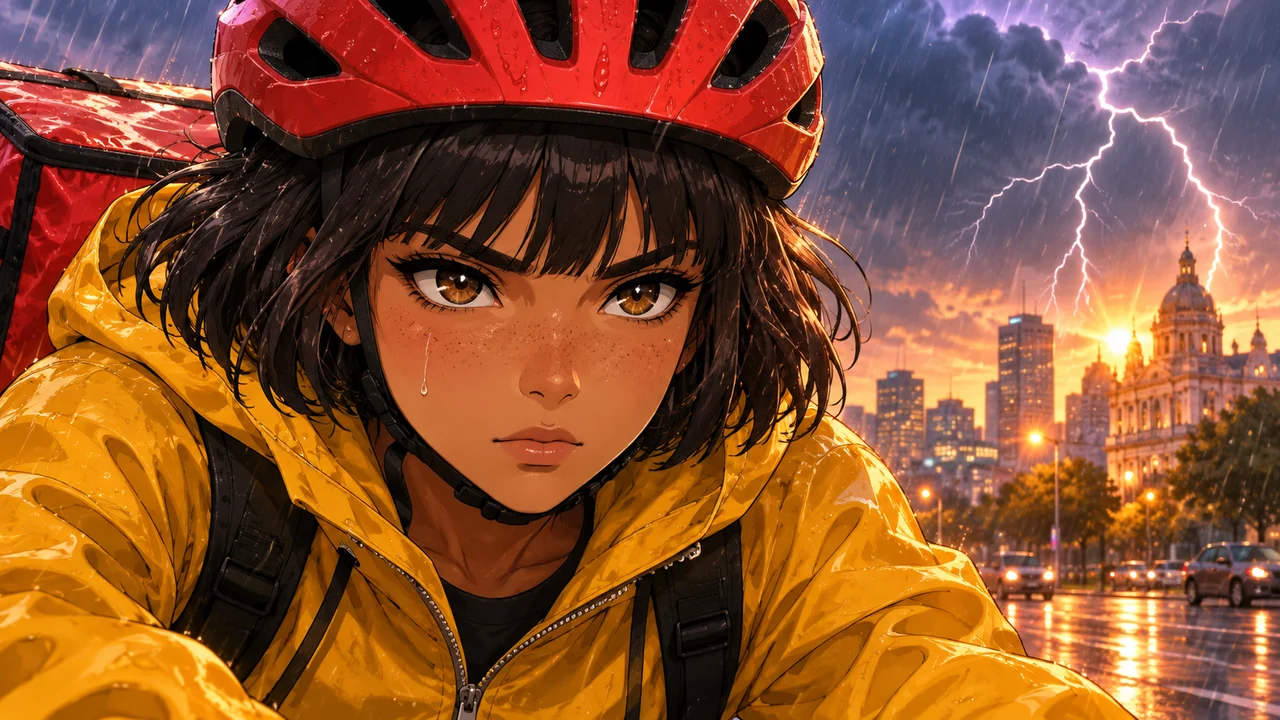

16:9 or 9:16 frames, same characters
Every frame is drawn in the exact shape of your video. A character sheet keeps the face, hair and outfit the same from the first shot to the last, so the board reads like one film.
Play the board as an animatic
Join the frames into a short video with slow pans and zooms, 2 to 6 seconds a frame. Joining costs no credits. Hand drawn frames work too: upload a photo of each one first.
Draw this storyboard with AI
Film, animation, class and social video
Storyboards for film, animation, class and social video
A film student, an animator and a teacher need different sheets. Each setup below loads straight into the maker above.
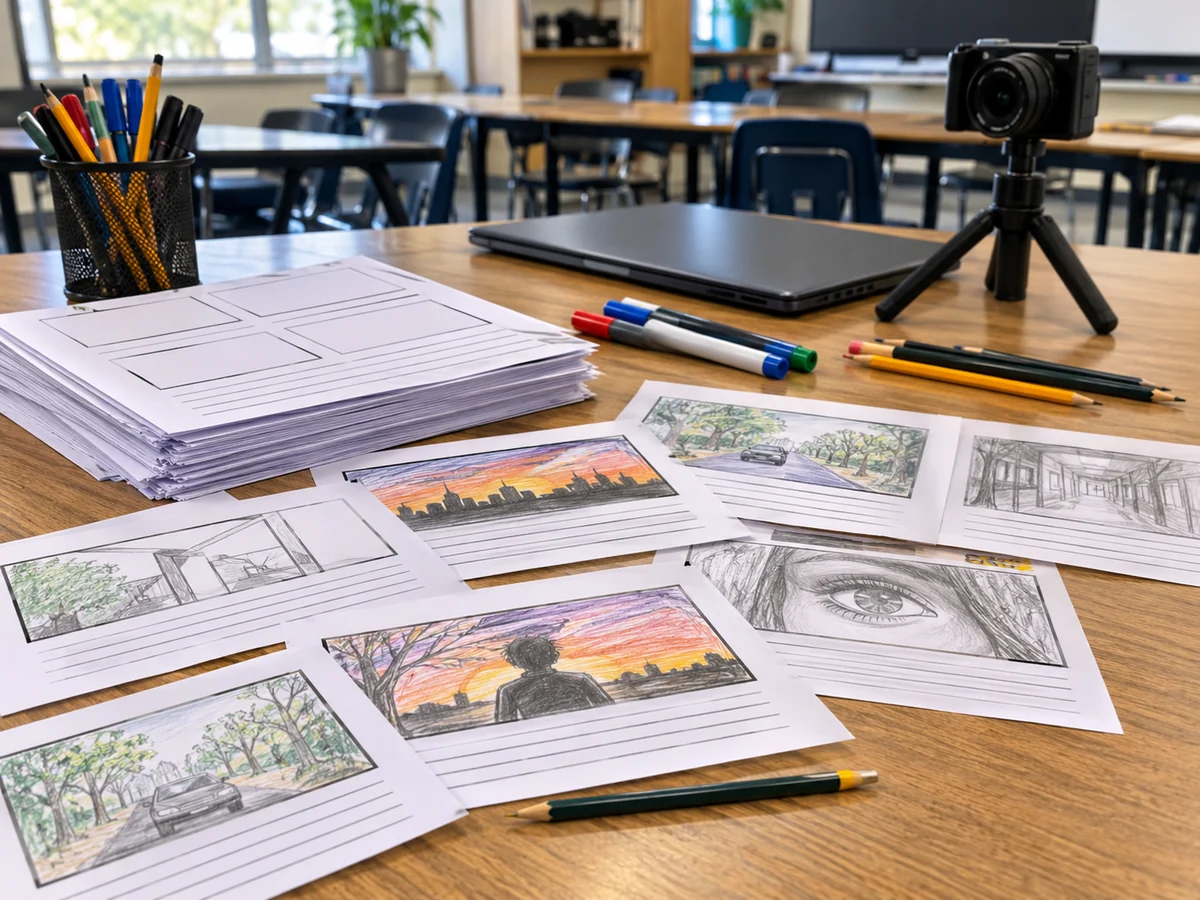
Students and teachers
A sheet made for students: title, name, class and date on top, three labeled lines under each 16:9 frame and bold lines that photocopy well.
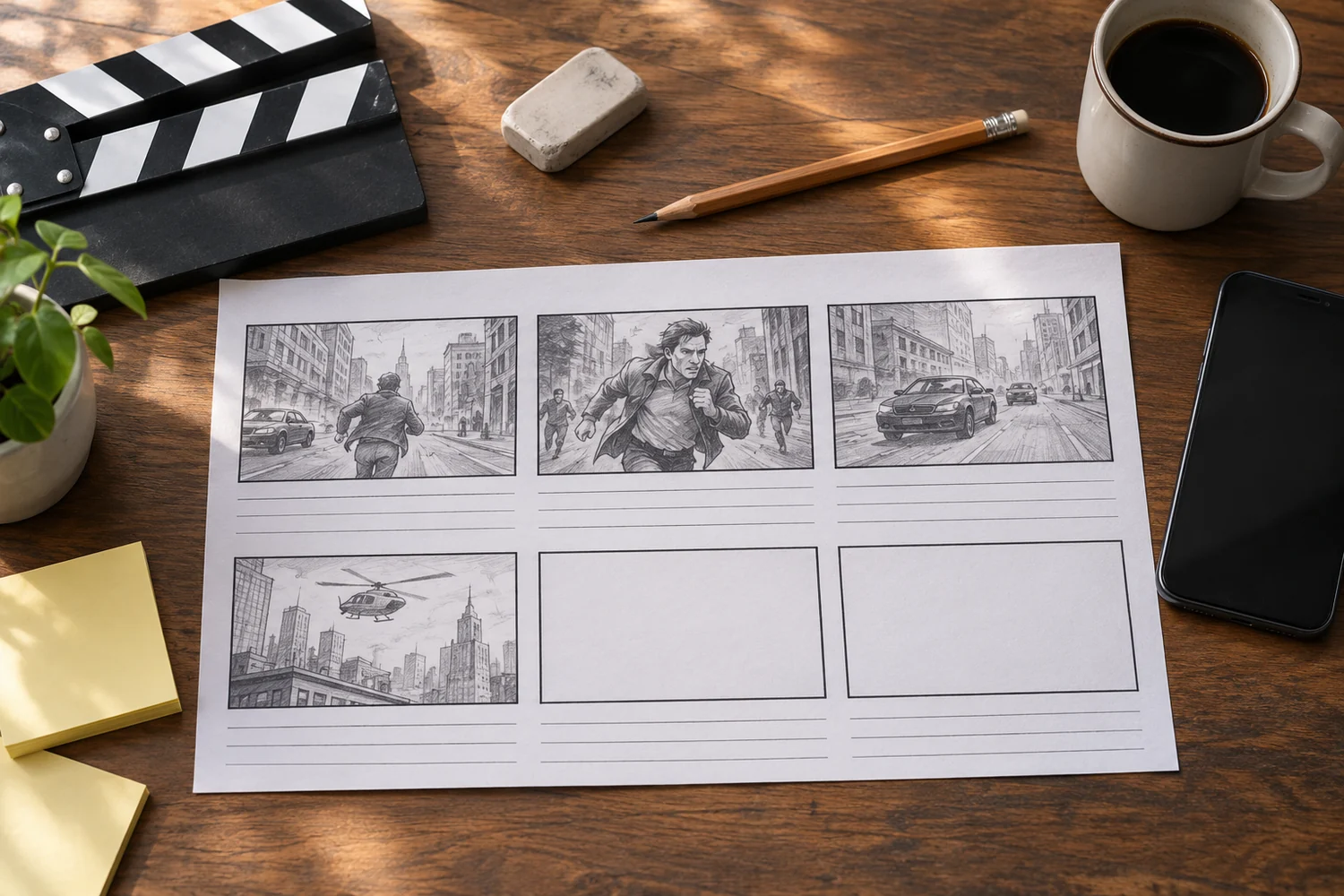
Short films and ads
A film storyboard in 2.39:1 or 16:9 with project, scene and page on top, shot numbers and a time box for every frame.
Animation
An animation storyboard with 12 small 4:3 frames per page, so a whole scene fits on one thumbnail sheet before you draw it properly.

Reels, TikTok and Shorts
A vertical storyboard sheet: four 9:16 frames per page with the notes beside each frame, sized for phone video.
How to make a storyboard in 4 steps
The same four steps work for a school project, a short film or a 30 second ad.
- 01
List your shots
One line per shot: where it happens, who is in it and what changes from the shot before.
- 02
Print a matching template
Choose the frame shape of the finished video and how many frames fit on a page, then print the PDF.
- 03
Sketch each frame
Stick figures are enough. Show the framing, then write the action, dialogue and camera move under it.
- 04
Turn it into an animatic
Upload the frames or let the AI draw them, then join them into a short video with timing.
Storyboard FAQ
Print a blank storyboard, or let the frames draw themselves
The printable sheet is free and needs no sign up. When you would rather not draw, the same shots are waiting online.
Get my free template